

Comparison
Where FluxGate is the better fit
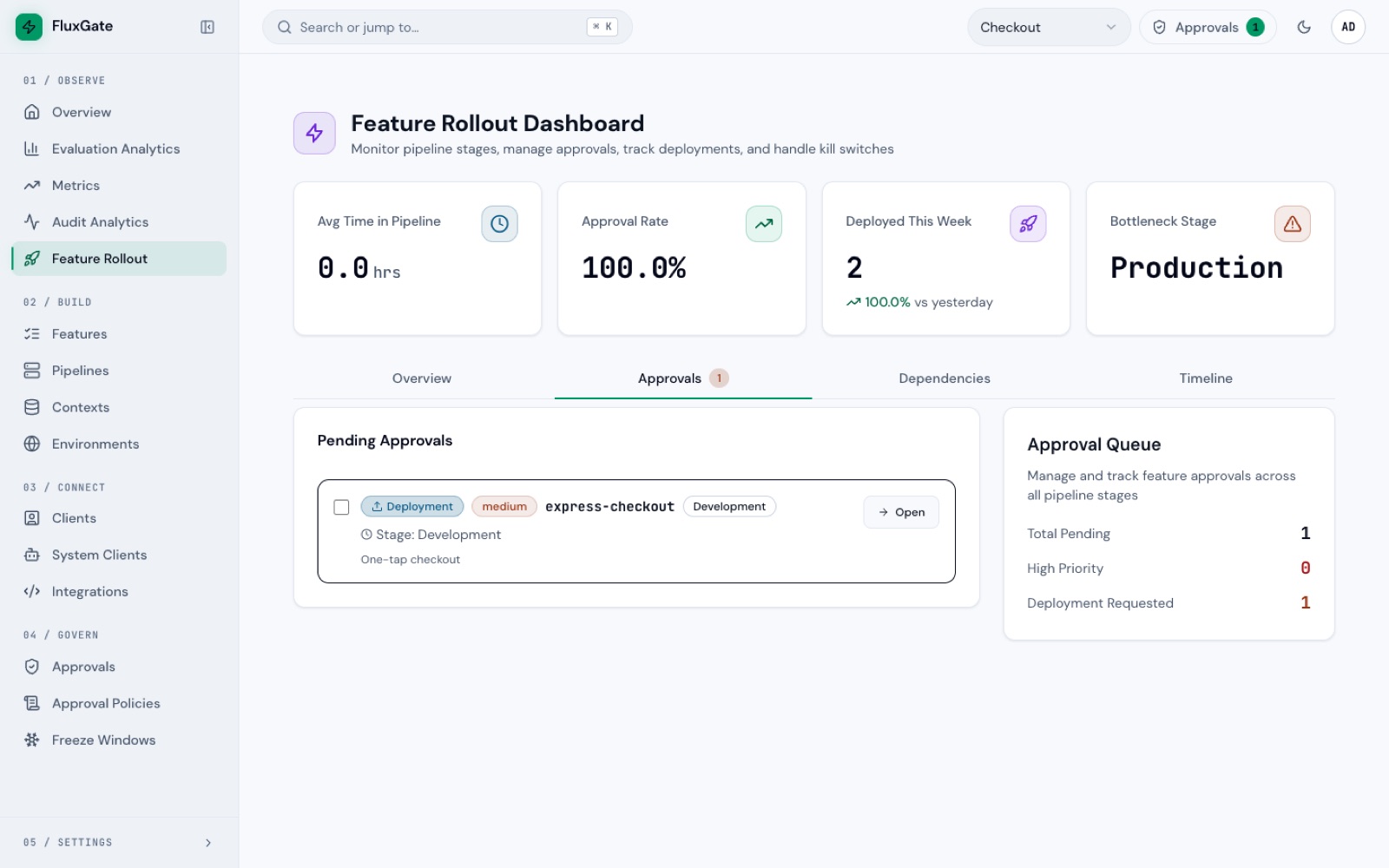
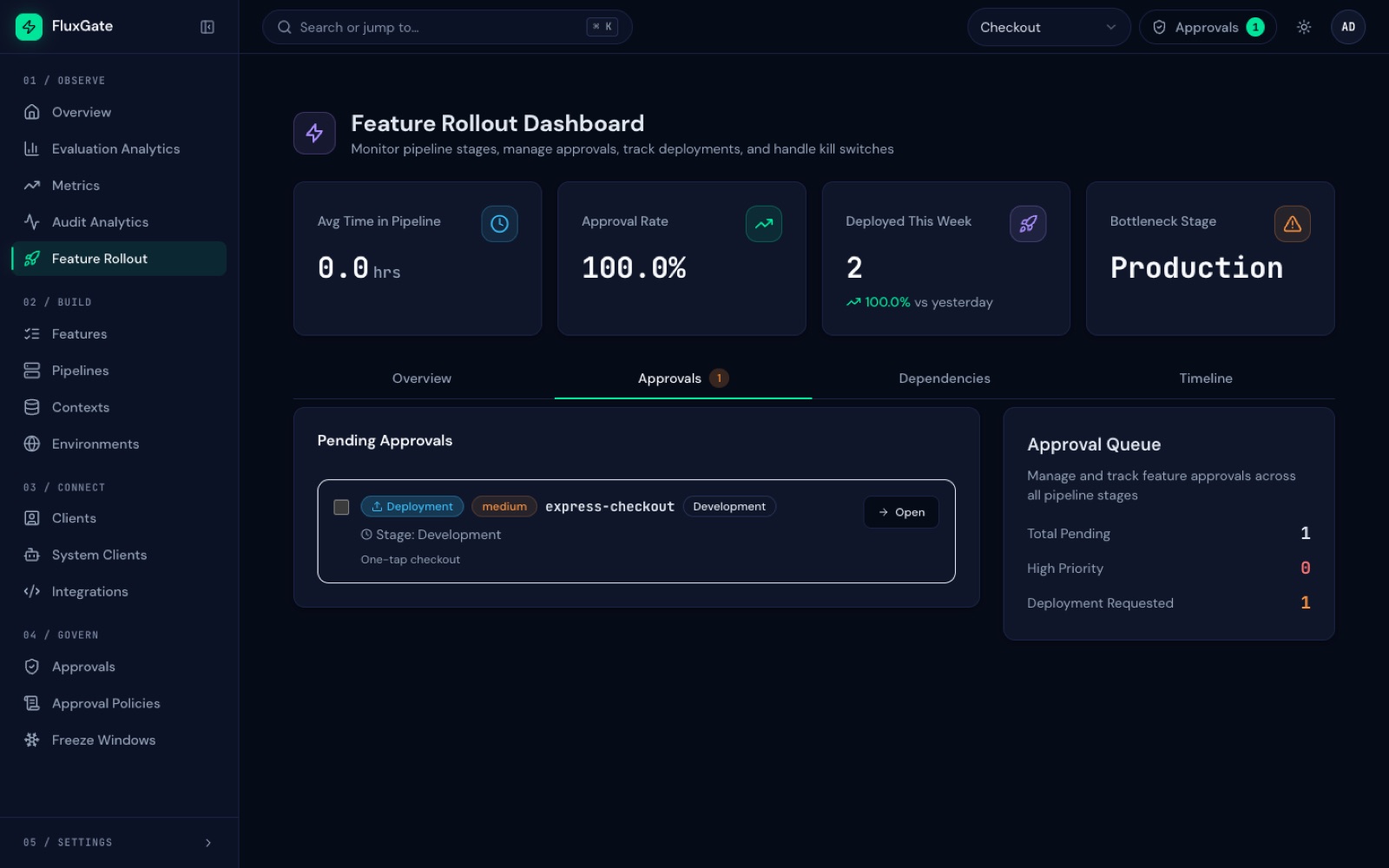
FluxGate is not trying to be the broadest flag catalog. It is built for teams that need feature flags to carry production rollout policy, speed, and observability.
Positioning
A practical comparison against common open-source patterns
The right tool depends on whether your main need is flag configuration, experimentation, Git review, SDK abstraction, or governed runtime delivery.
Decision point
Choose FluxGate when rollout safety is the product requirement
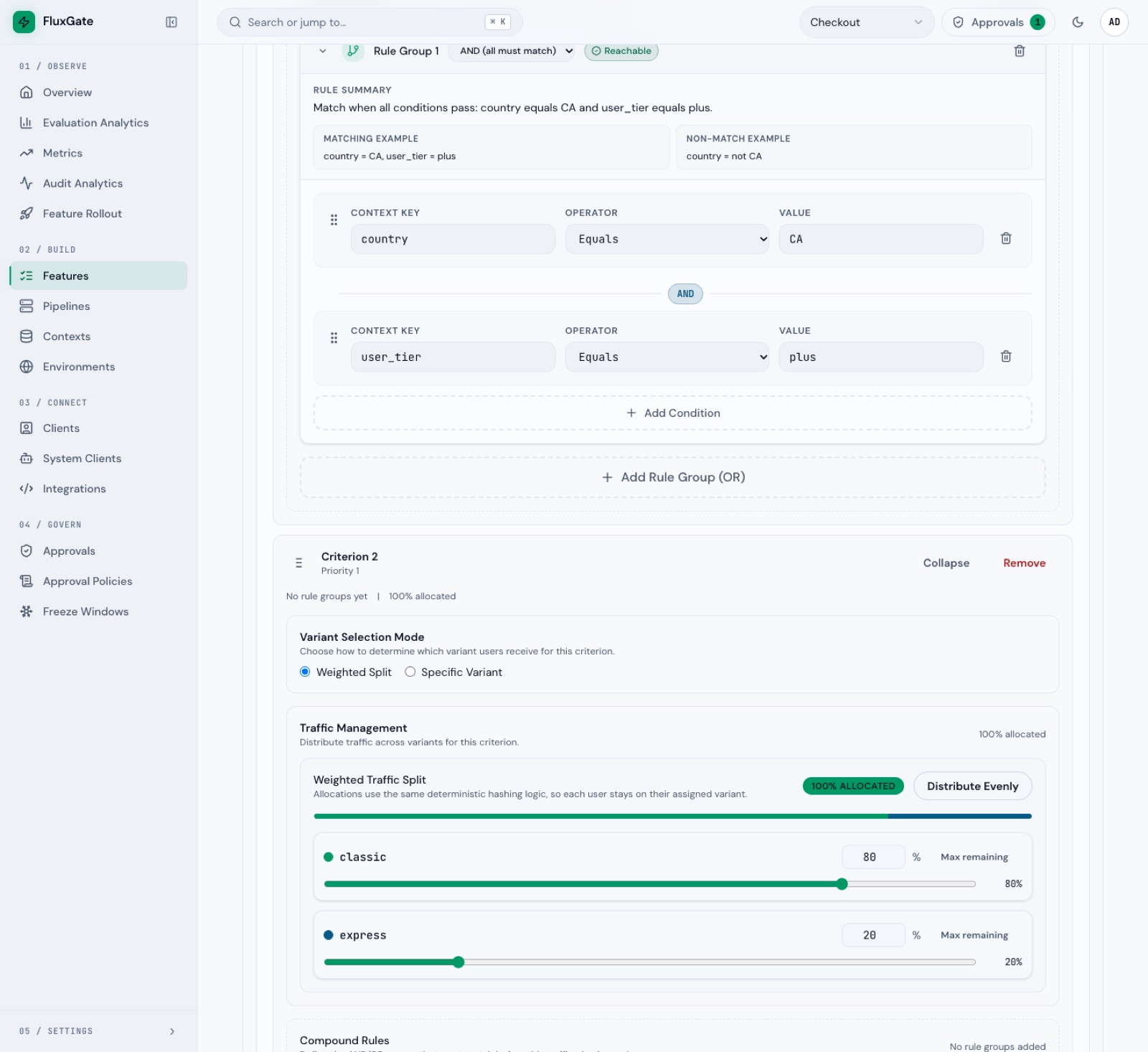
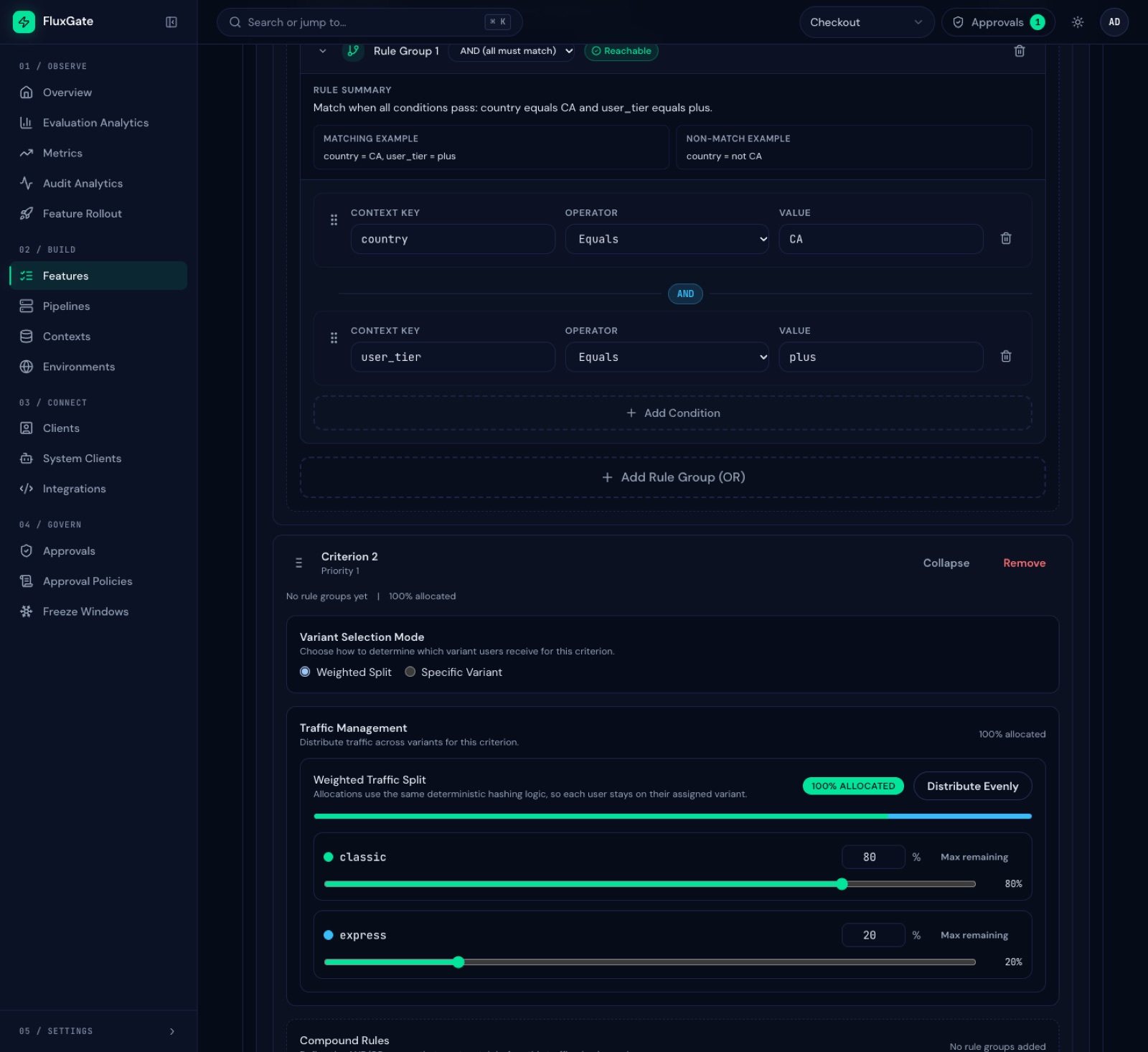
If a feature change requires staged environments, approval rules, dependency validation, kill-switch rollback, live analytics, and low-latency evaluation, FluxGate keeps those concerns in one delivery-oriented system.
FAQ
Questions teams ask before adopting FluxGate
Short answers about fit, deployment, and installation.
What makes FluxGate different from simple feature toggles?
FluxGate treats flags as a delivery workflow. It combines variants, criteria priority, approvals, dependency checks, kill switches, edge evaluation, and analytics in one system.
Can FluxGate run close to application services?
Yes. The edge server is designed for sidecar-style or shared edge deployment. It evaluates from cached state and streams updates from the backend.
What happens to flags when the backend is down?
Edge servers keep serving the flags in their cache and can restart from a local snapshot. Flag changes and kill switches wait until the backend returns. Signed bootstrap files and relay edges are Enterprise features.
Read about edge resilienceWhat applications are a good fit?
FluxGate fits teams that need controlled production rollouts, tenant or user targeting, internal platform governance, Java services through OpenFeature, and measurable rollout decisions.
How do I install FluxGate?
Run the public FluxGate images from Docker Hub with Docker Compose. Going from an empty folder to a running stack takes about five minutes. The backend with the admin UI, the edge server and the CLI are also available as native binaries for Linux and macOS.
Follow the developer guideBuild with ForgeOps LABS
Need feature flag delivery, platform tooling, or rollout automation?
FluxGate shows the kind of end-to-end software ForgeOps LABS builds: backend, UI, infrastructure, integration, and operational workflows.