

Feature flag delivery platform
Ship code anytime. Release features when they are ready.
FluxGate is a self-hosted feature flag platform with governed rollouts, approvals, a Rust edge server, and OpenFeature-ready evaluation.
- Self-hosted
- Rust edge server
- OpenFeature OFREP
- Approvals and audit
Documentation path
From install to production
The docs follow one team, Juniper Market's checkout squad, from first boot to a governed production release. Each chapter builds on the one before.
- Chapter 01
Get started
Run FluxGate with Docker Compose, create the first admin, and set up a team with a requester and an approver.
- Chapter 02
Model your release
Model environments and a release pipeline, declare contexts, create a feature, and write targeting rules.
- Chapter 03
Connect your app
Create clients, start the edge server, and evaluate flags over REST, OFREP, or OpenFeature, and from CI.
- Chapter 04
Observe and operate
Read evaluation volume, variant performance, and the audit trail, then run FluxGate in production.
- Enterprise
Enterprise overview
Single sign-on and SCIM, edge resilience through backend outages, code references and the audit log.
- Enterprise
Approvals and safety nets
Put an approver between a request and a deployment, then use freeze windows, scheduled changes, the kill switch and rollback.
- Enterprise
Jira and Jev AI
Drive releases from Jira tickets and let Jev AI check justifications and suggest flag settings.
Overview video
See FluxGate in a few minutes
Why separating deployment from release matters, and how the backend, edge server, admin UI, and SDKs work together.
Key features
Built for release control, not only flag storage
FluxGate focuses on the operational parts that matter after a flag exists: targeting order, rollout approvals, kill switches, live analytics, and fast evaluation close to the application.
Edge-first evaluation
The Rust edge server keeps flag state in memory, streams updates from the backend, and removes database calls from the hot path.
Governed rollout workflows
Approval policies, stage changes, RBAC, dependency checks, and audit trails make production rollout decisions explicit.
Variants beyond booleans
Return strings, numbers, booleans, or JSON values for experiments, configuration, pricing tests, and controlled UI changes.
Real-time analytics
Evaluation rates, success rates, cache behavior, experiments, and rollout activity stream into dashboards for live operational visibility.
Kill switch with rollback
Disable risky features quickly, schedule automatic re-enable windows, and keep the action visible in the rollout dashboard.
SDK and standards path
Use the FluxGate SDKs for Java, Spring Boot, TypeScript, React, Angular and Rust, any OpenFeature SDK with the OFREP provider, or plain HTTP.
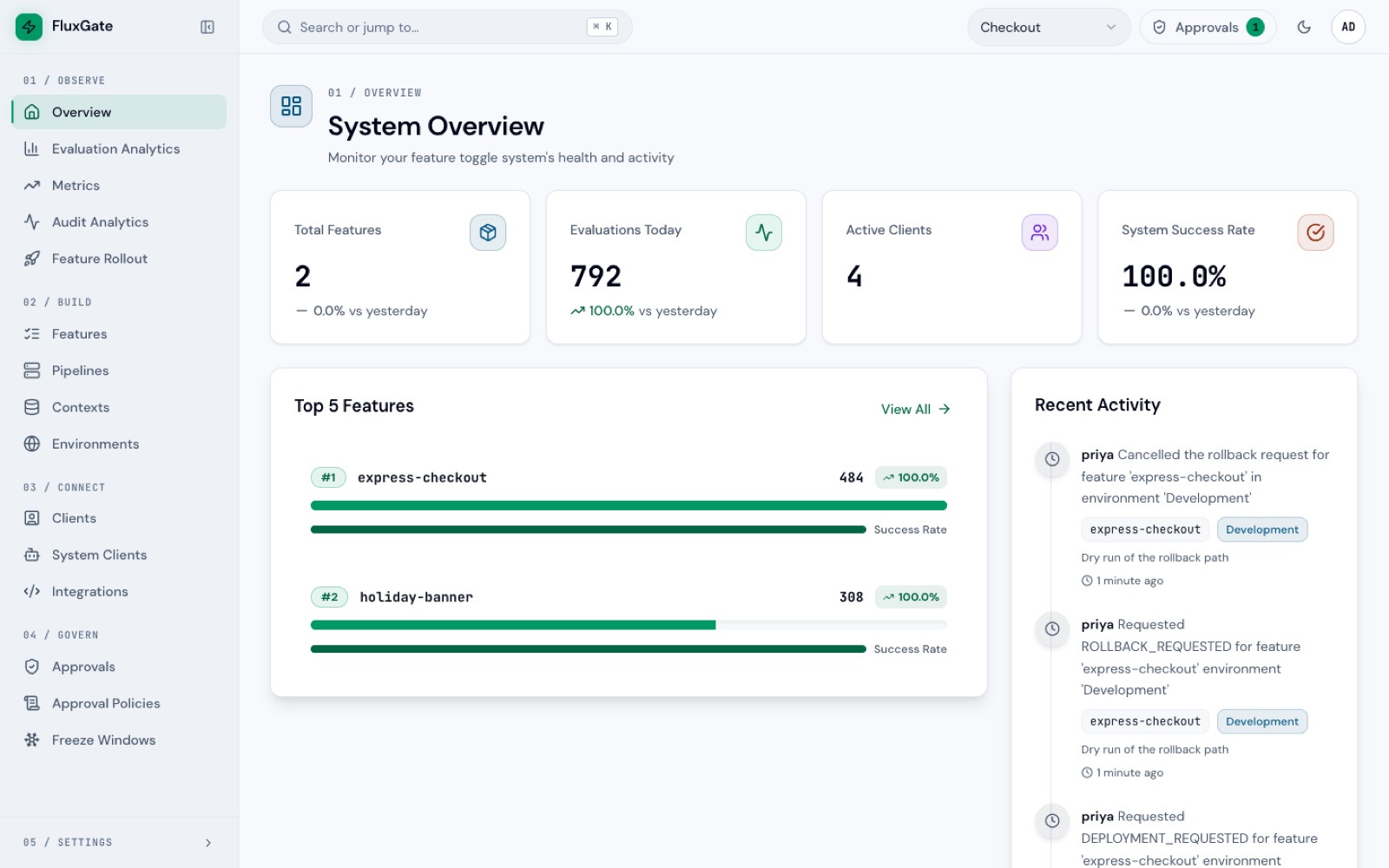
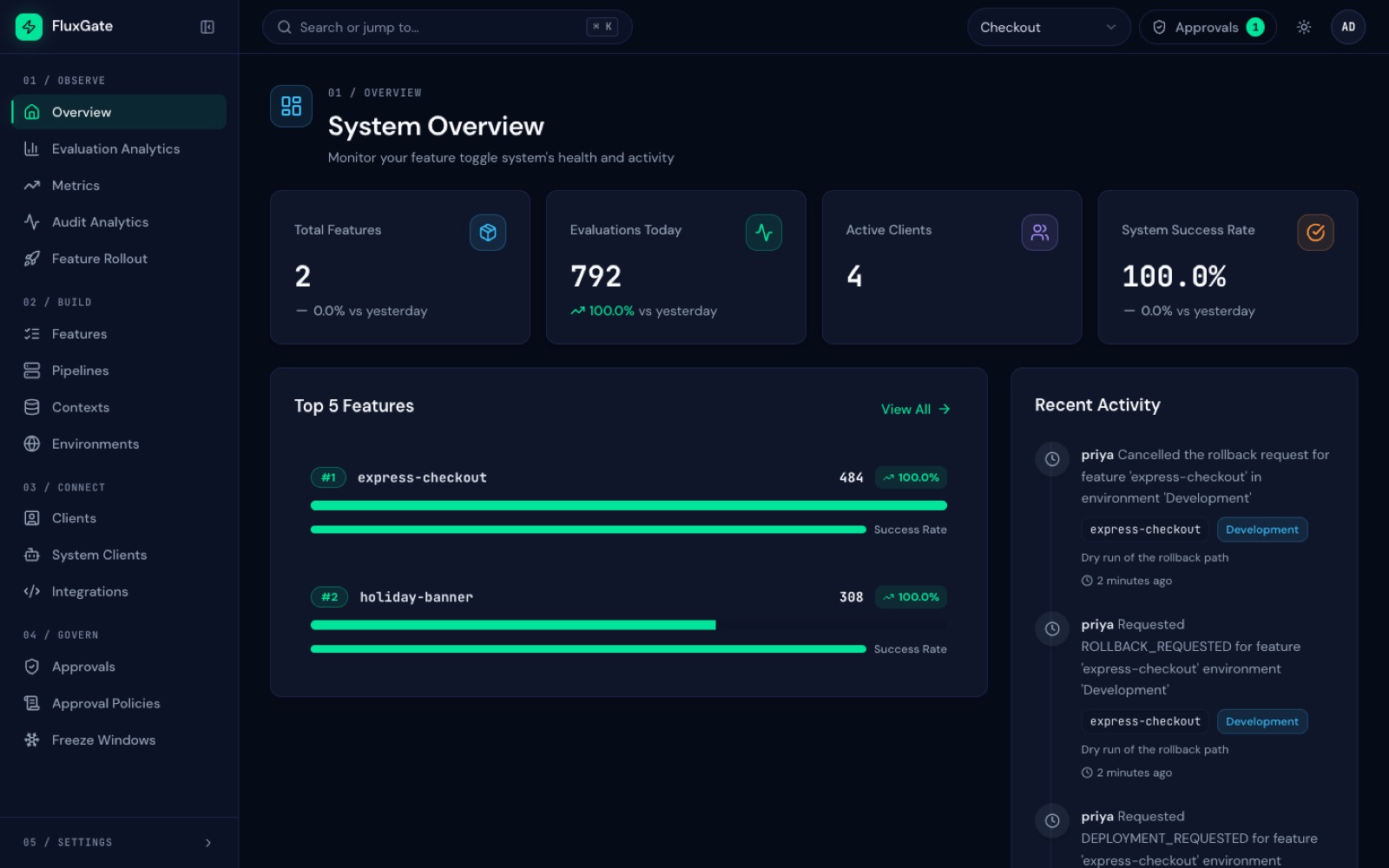
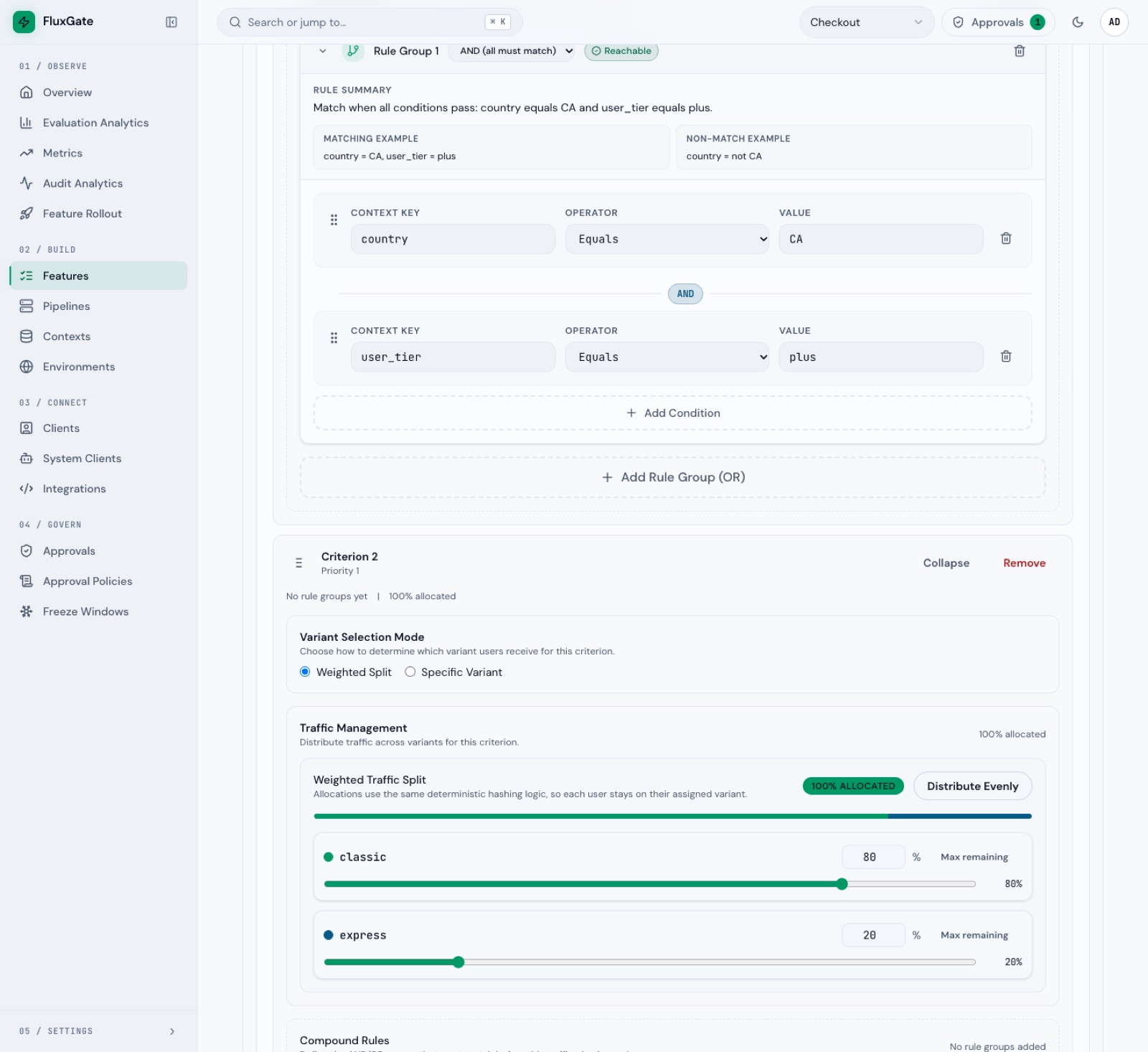
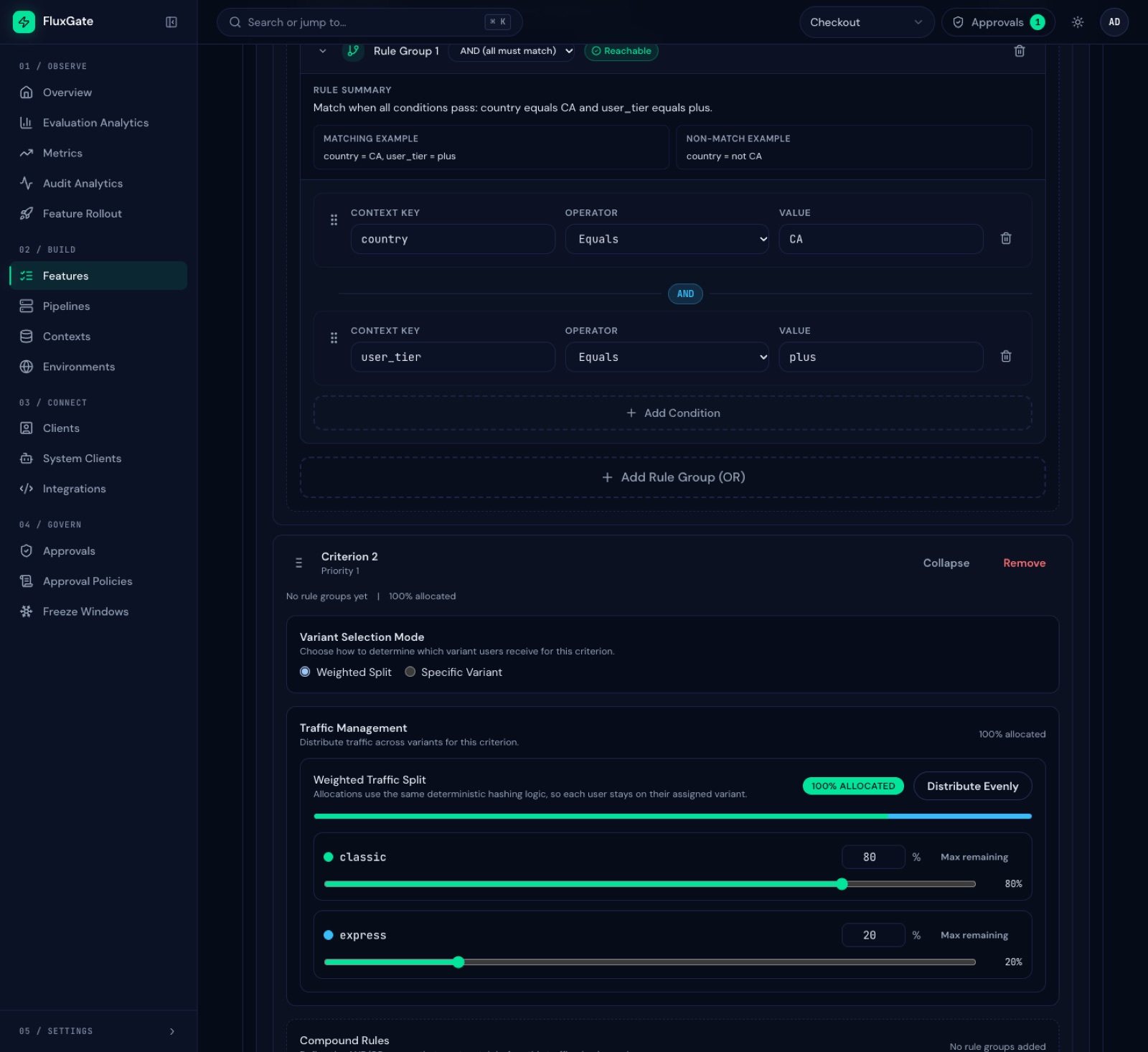
Product tour
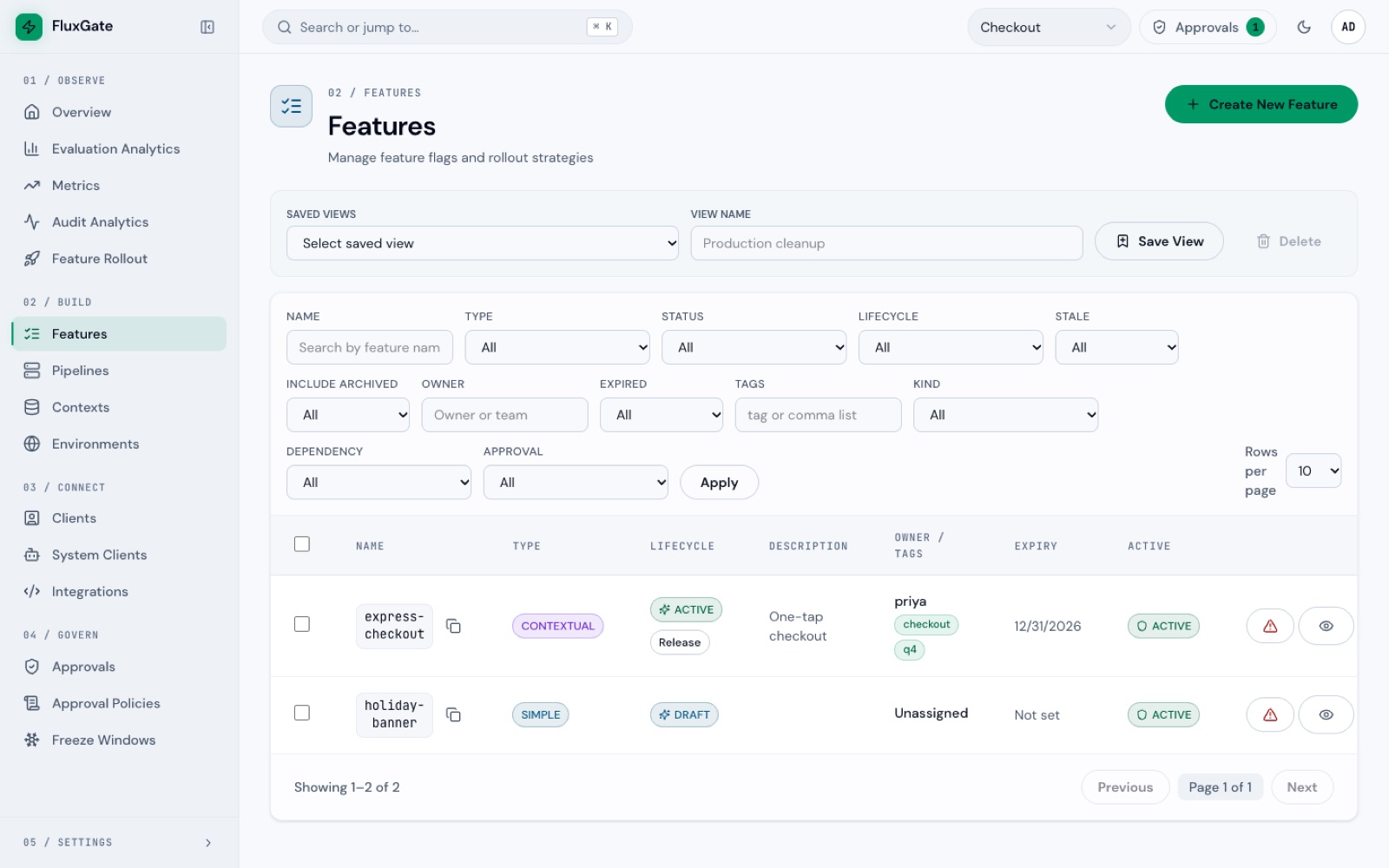
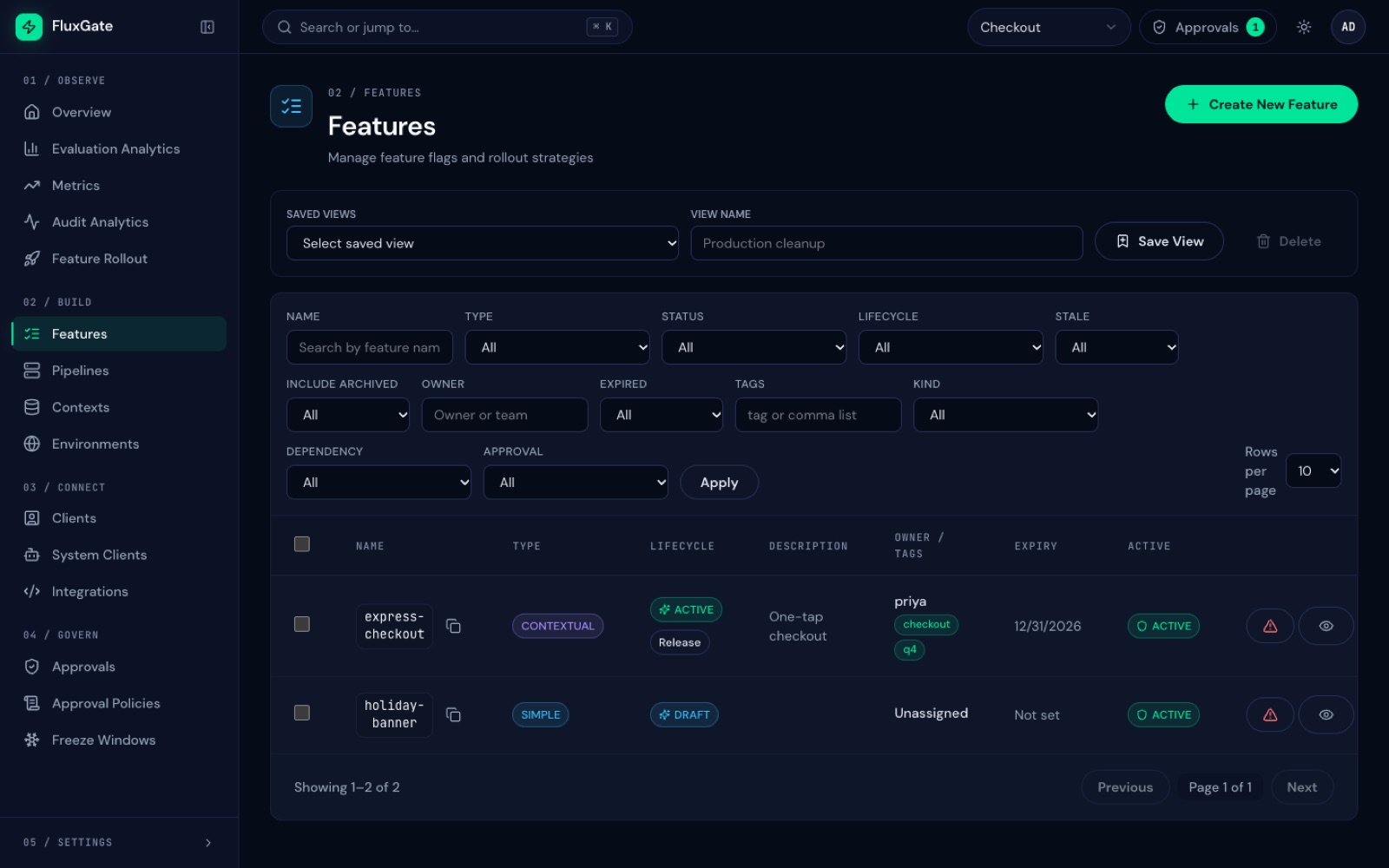
A control room for rollout decisions
Real screens from FluxGate v1.2.0, captured with the same Checkout team the docs use.
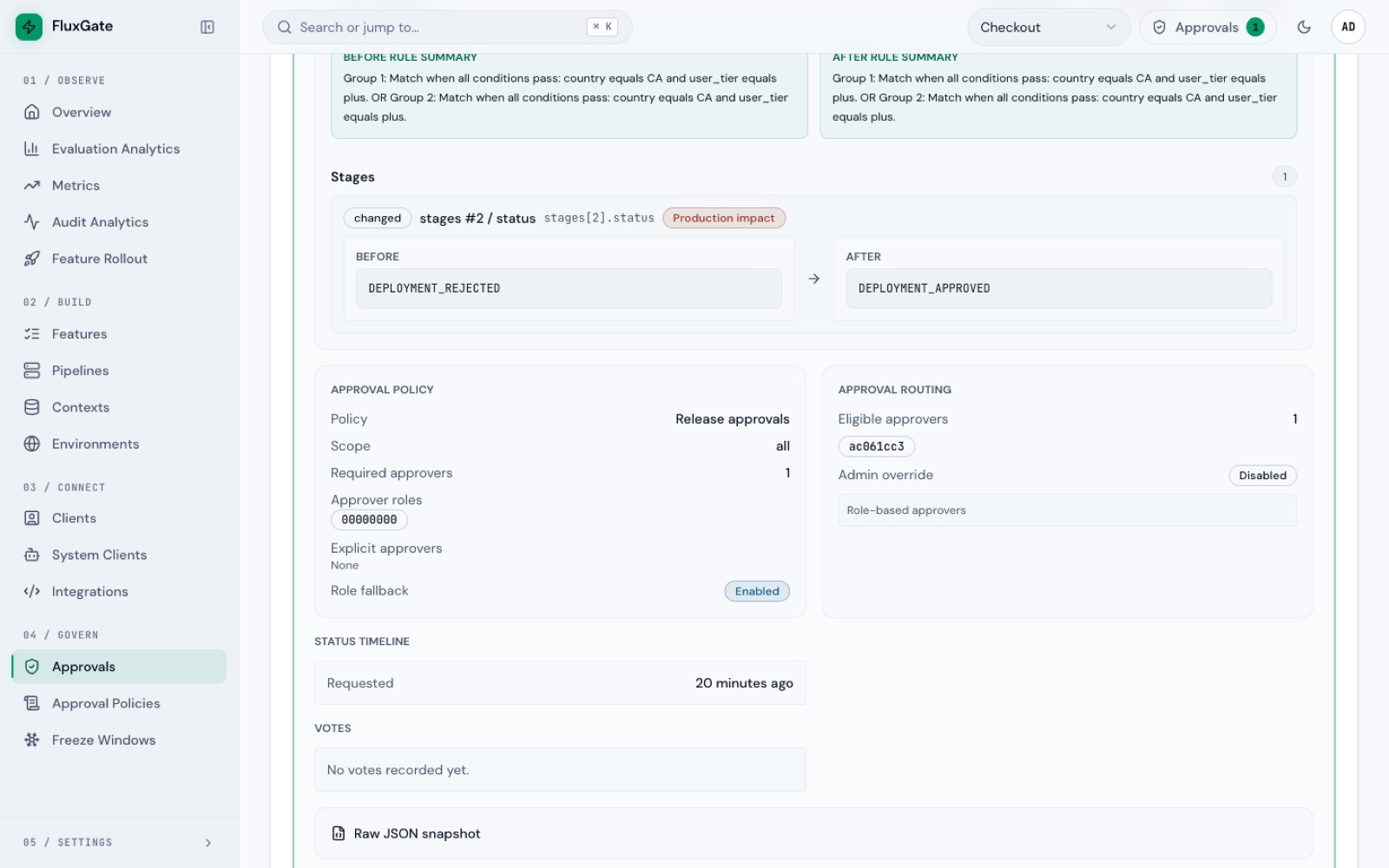
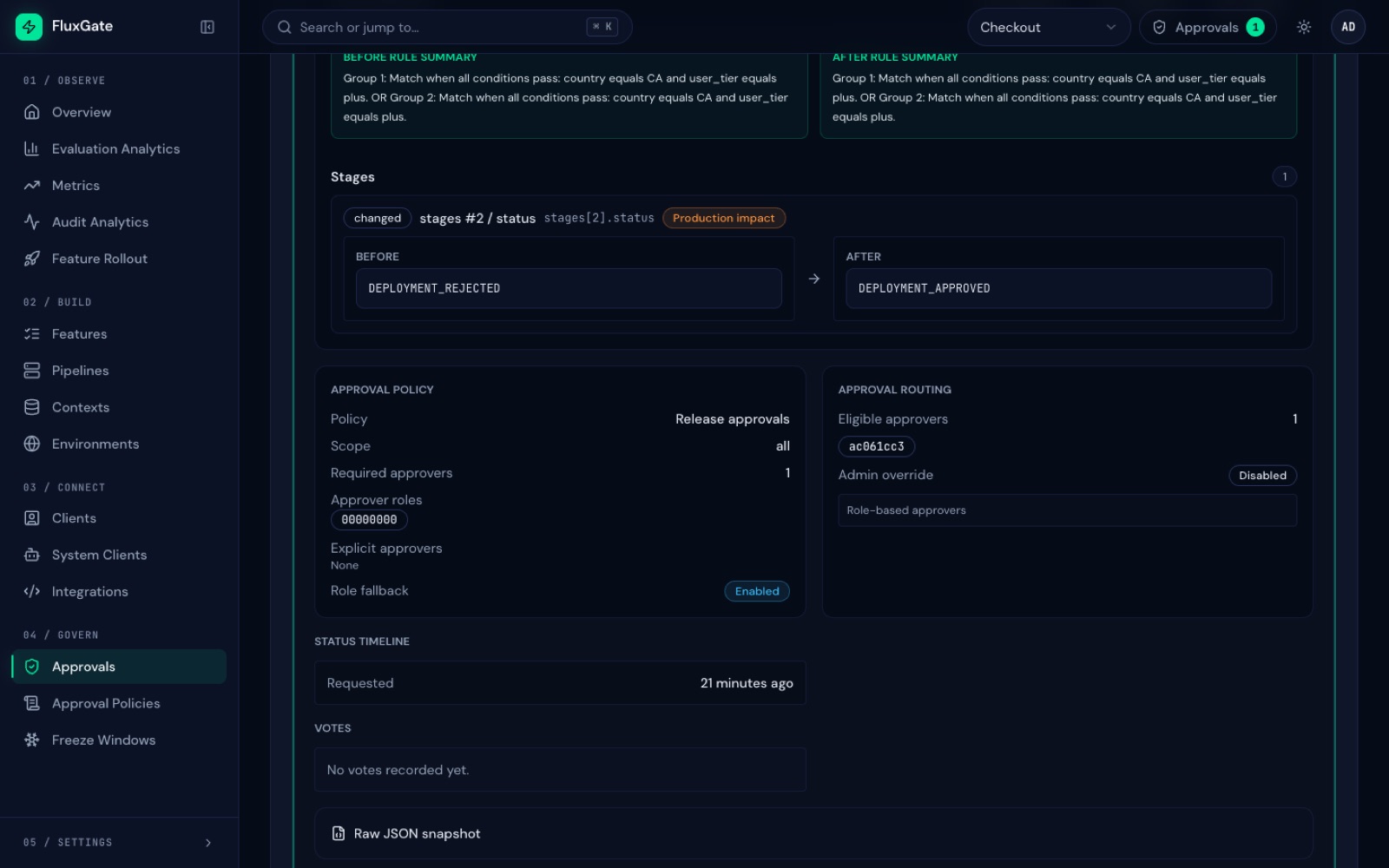
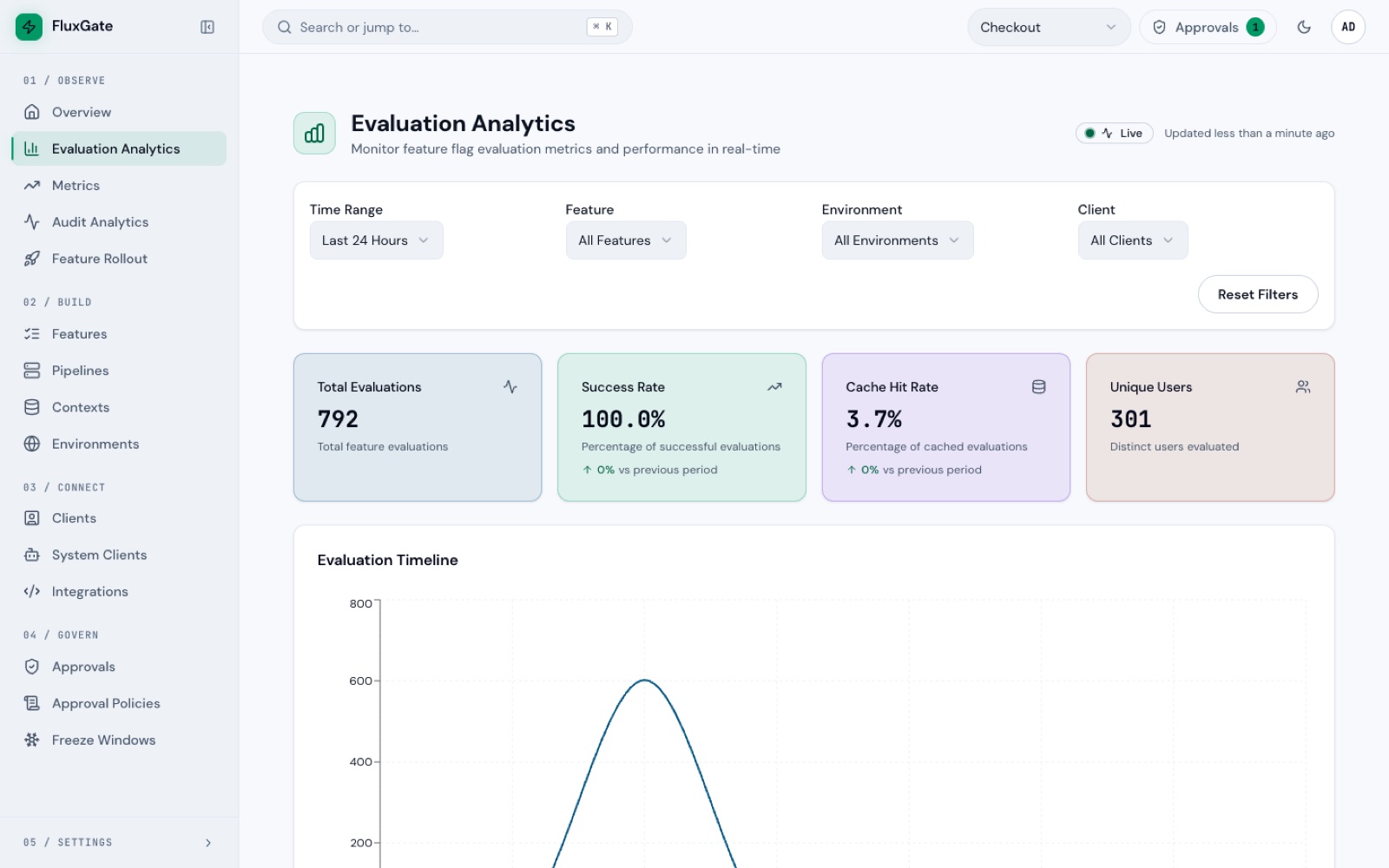
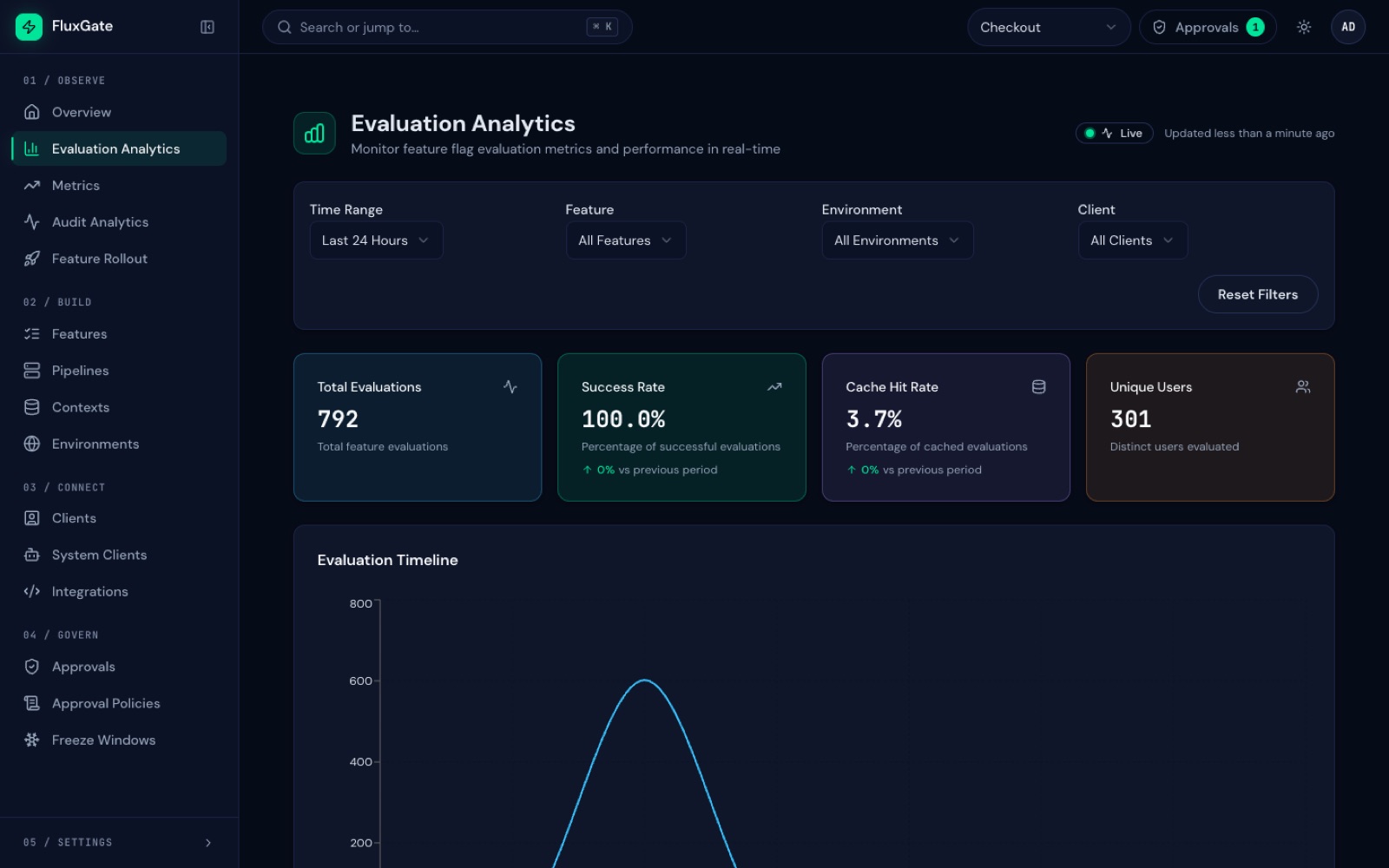
How it works
Control plane, streaming updates, edge evaluation
The backend stays the source of truth. Edge servers keep flag state in memory, evaluate next to your services, and send telemetry back for dashboards.
- React UIREST + WebSocket
- Rust backendPostgres + gRPC
- Rust edgecached evaluation
- Apps + SDKsREST / OFREP
Admin control plane
React UI and REST APIs manage features, stages, contexts, teams, approvals, metrics, and settings.
Streaming update channel
The Rust backend publishes feature snapshots and incremental updates to connected edge nodes over gRPC.
Low-latency edge
Edge nodes evaluate requests from cached rules, deterministic bucketing, ordered criteria, dependencies, and sticky assignments.
Telemetry feedback
Evaluation events, assignments, and metrics flush back to the backend for dashboards, experiments, and rollout governance.
For developers
One HTTP call to evaluate a flag
Your services ask the edge server, not the database. Use the OpenFeature SDKs with the OFREP provider, or call the edge server over plain HTTP from any language.
- OFREP endpoints for any OpenFeature SDK
- Targeting context sent at evaluation time
- Scoped tokens for CI checks
curl -s -X POST \
  http://localhost:8081/ofrep/v1/evaluate/flags/express-checkout \
  -H "Authorization: Bearer $FLUXGATE_SDK_KEY" \
  -H 'Content-Type: application/json' \
  -d '{"context":{"targetingKey":"user-1","country":"CA","user_tier":"plus"}}'
Response
{
  "key": "express-checkout",
  "value": "express",
  "reason": "TARGETING_MATCH",
  "variant": "express"
}
Performance and fit
Measured on the hot path, honest about the fit
The hot path stays local
The edge server evaluates from in-memory state. In 5-minute load tests with 1,000 flags it held 4,550 evaluations per second on half a CPU core and 128 MiB, and 19,250 per second on two cores, with median latency under 0.3 ms.
Review performanceA fit for delivery governance
Many flag tools excel at flag management or experimentation. FluxGate is more operational: edge evaluation, approvals, rollback controls, dependencies, and live rollout telemetry are first-class.
Compare the fitFAQ
Questions teams ask before adopting FluxGate
Short answers about fit, deployment, and installation.
What makes FluxGate different from simple feature toggles?
FluxGate treats flags as a delivery workflow. It combines variants, criteria priority, approvals, dependency checks, kill switches, edge evaluation, and analytics in one system.
Can FluxGate run close to application services?
Yes. The edge server is designed for sidecar-style or shared edge deployment. It evaluates from cached state and streams updates from the backend.
What happens to flags when the backend is down?
Edge servers keep serving the flags in their cache and can restart from a local snapshot. Flag changes and kill switches wait until the backend returns. Signed bootstrap files and relay edges are Enterprise features.
Read about edge resilienceWhat applications are a good fit?
FluxGate fits teams that need controlled production rollouts, tenant or user targeting, internal platform governance, Java services through OpenFeature, and measurable rollout decisions.
How do I install FluxGate?
Run the public FluxGate images from Docker Hub with Docker Compose. Going from an empty folder to a running stack takes about five minutes. The backend with the admin UI, the edge server and the CLI are also available as native binaries for Linux and macOS.
Follow the developer guideGet started
Run FluxGate in five minutes
Three steps with the public Docker images, then open http://localhost:3000 and create the first admin. Native binaries for Linux and macOS are also available.
# 1. Get the files
mkdir fluxgate && cd fluxgate
curl -fsSLO https://flux.forgeopslabs.com/downloads/docker-compose.demo.yml
curl -fsSLO https://flux.forgeopslabs.com/downloads/config.demo.toml

# 2. Create the encryption key
echo "FLUXGATE_ENCRYPTION_KEY=$(openssl rand -base64 32)" > .env

# 3. Start FluxGate
docker compose -f docker-compose.demo.yml up -d