

Enterprise · Enterprise overview
Enterprise features
Enterprise adds identity, resilience and governance on top of the core flag platform, and none of it can stop your flags from being served.
Video coming soon
Enterprise features
Before you start
- You know the core of FluxGate: teams, flags, pipelines, edges. The Get started chapter covers it.
- Your license sets your edition. Open Settings, License to see it and its entitlements.
What this section covers
The core chapters follow the Checkout team from install to production. This section covers every paid feature, and what large organizations ask for next: governed releases, Jira and AI integrations, central identity, an edge layer that survives outages, a clean flag inventory, and an audit trail they can hand to a reviewer.
| Feature | What it gives you | Edition | Entitlement |
|---|---|---|---|
| Approvals and policies | An approver between a request and a deployment, with policies per environment | Business and Enterprise | approvals |
| Safety nets | Freeze windows and scheduled changes. The kill switch, version history and rollback on the same page are Core | Business and Enterprise | freeze_windows, scheduled_changes |
| Jira | Jira tickets drive stage changes, and FluxGate writes back to the ticket | Business and Enterprise | jira |
| Jev AI assistance | AI checks of change justifications, suggested flag kinds, natural-language search | Business and Enterprise | ai_judgments |
| Single sign-on | Sign in with OpenID Connect or SAML 2.0. IdP groups set roles, teams and admin access. Enforce SSO, keep break-glass admins | Enterprise, or a Business add-on | sso |
| SCIM provisioning | Your identity provider creates, updates and deactivates FluxGate users and groups | Enterprise | scim, needs sso |
| FluxGate with Okta | A complete Okta setup for sign-in, provisioning and group roles, with videos | Enterprise | sso, scim |
| Edge resilience | Edges keep serving through backend outages. Local snapshots and staleness reporting are Core; signed bootstrap snapshots and relay edges are Enterprise | Core and Enterprise | edge_resilience |
| Code references | Your CI uploads where each flag is used. The cleanup report says which flags to remove | Business and Enterprise | code_references |
| Audit log | Every change, sign-in and refused request, filterable and exportable as CSV or NDJSON for a SIEM | Every edition | none |
A deal can add entitlements beyond an edition, for example SSO and SCIM on a Business license. The license server refuses a license that adds scim without sso, because SCIM tokens belong to an SSO provider.
A license never stops evaluation
Every Enterprise feature follows one rule: a license problem never stops flag evaluation. In every license state, edges keep serving, the evaluation and metrics APIs keep working, people can sign in, and the kill switch works. A license that lapses at 03:00 on a Sunday is a banner, not an outage.
What changes after a downgrade, or in the ReadOnly state of a lapsed license:
| Feature | Keeps working | Stops |
|---|---|---|
| Approvals | Existing policies still create requests, votes work, deleting a policy | Creating and changing policies |
| Freeze windows, scheduled changes | Active windows still block changes, pending changes still run, delete and cancel | Creating, changing and rescheduling |
| Jira | Deleting integrations | Creating and changing integrations and rules; inbound events are stored but not acted on, write-back pauses |
| Jev AI | Nothing waits on AI | Every AI feature |
| Single sign-on | Sign-in through existing OIDC and SAML providers, editing and testing them, certificate rollover, turning enforcement off | Creating providers, turning enforcement on |
| SCIM | Reads, deactivating and deleting users, removing group members, revoking tokens | Creating tokens and users, reactivating users, profile changes, new groups and members |
| Edge resilience | Edges, exports with an existing key, registered relays | Creating the first signing key, registering a relay |
| Code references | Stored references, the cleanup report, deletes | New uploads (the scanner warns and exits 0) |
| Audit log | Everything | Nothing: it is Core |
Each feature page has its own table with the exact status codes.
Where the features show up
In the admin UI, as a system admin:
- Settings, Single Sign-On: providers, group mappings, provisioning, Enforce SSO.
- Settings, Edge fleet: the fleet view, relays and snapshot signing keys.
- Settings, Code references: scanned repositories. Features, Cleanup report: the recommendations.
- Dashboard, Audit Log: the log, its filters and the export.
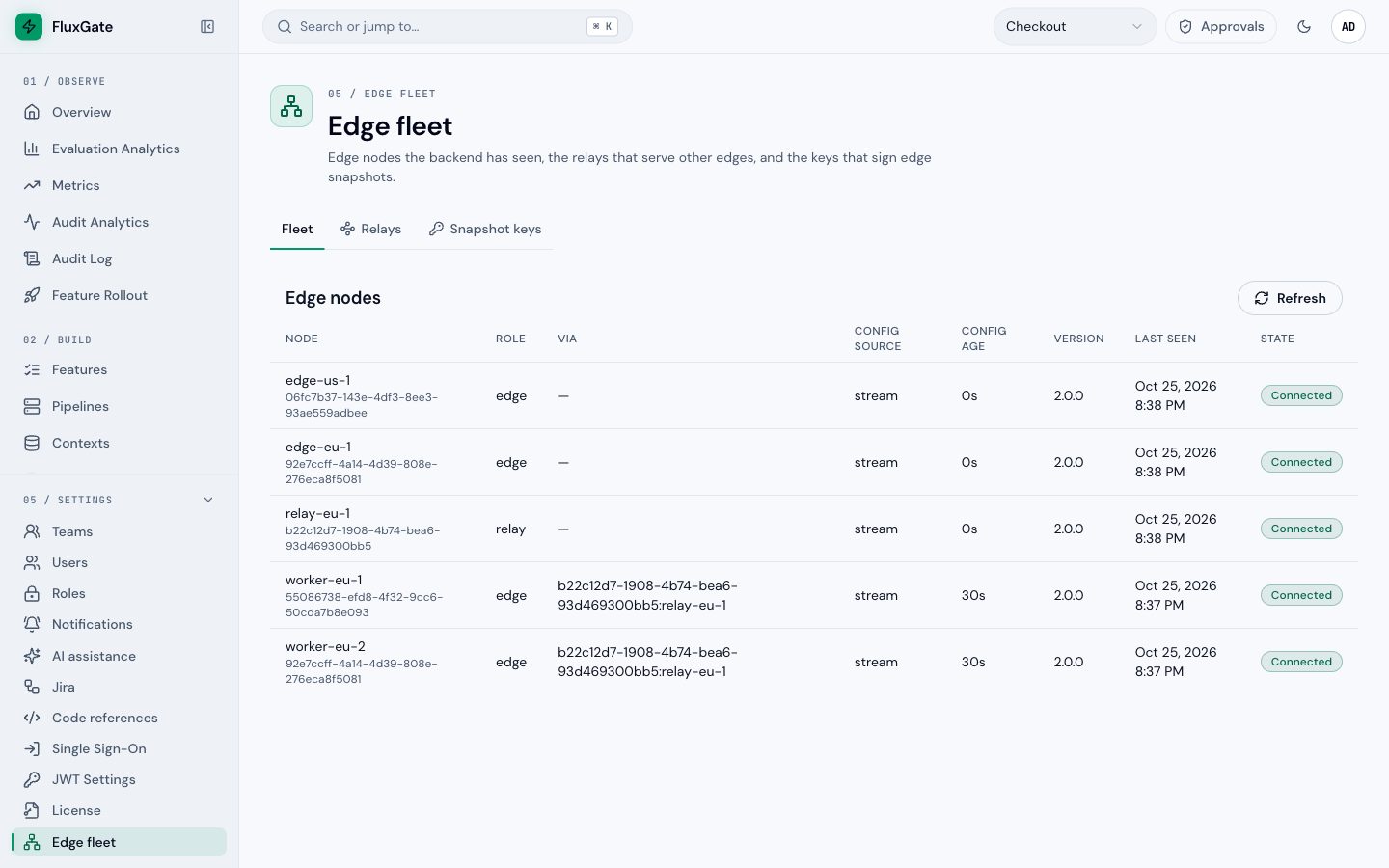 (opens full size in a new tab)
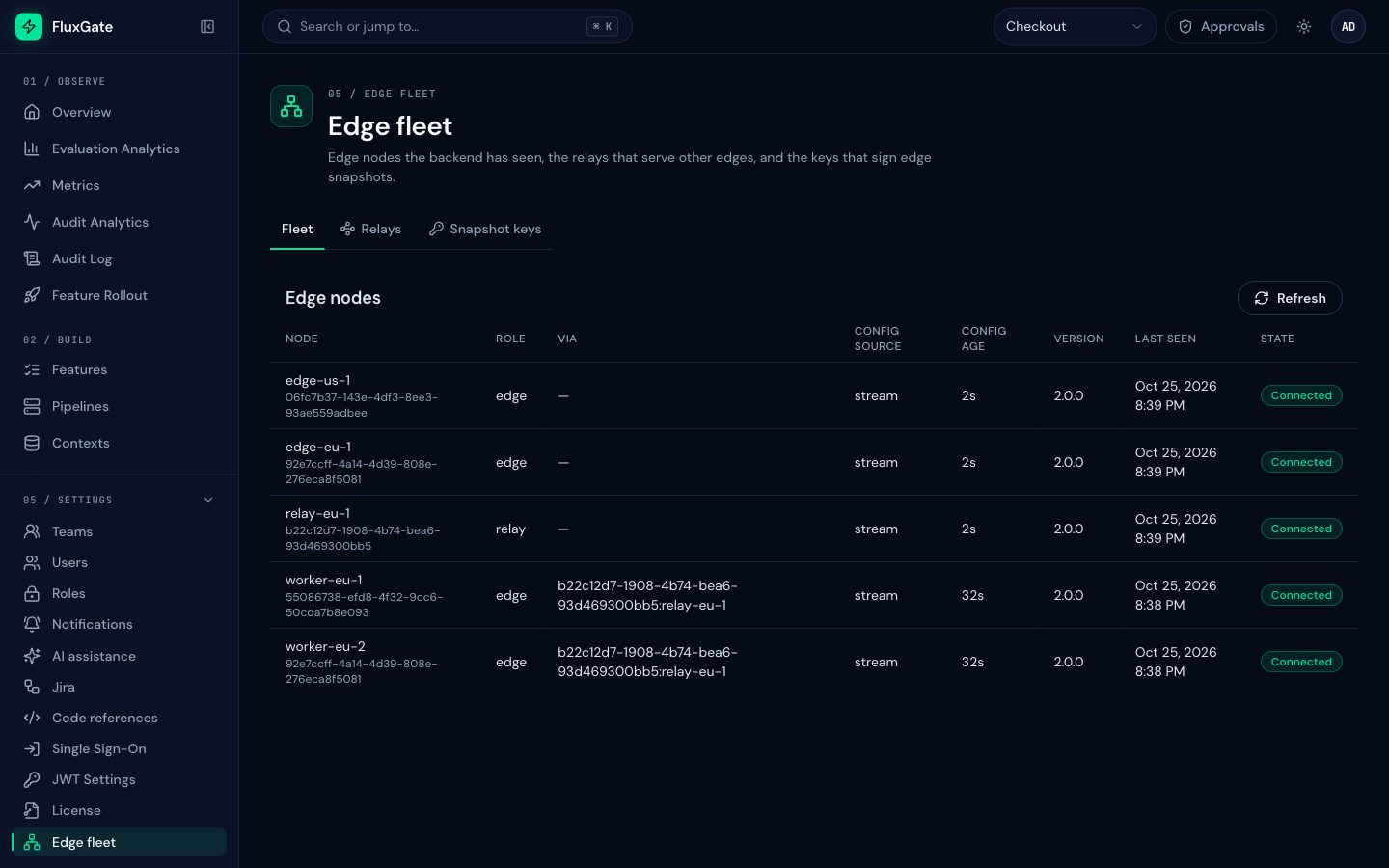 (opens full size in a new tab)
Videos
The approvals, safety nets, Jira and Jev AI pages already have their videos, from the main series. Every other page in this section has a place for its video. Those videos are being recorded; until a video is published, the page shows "Video coming soon". The Okta chapter already has its seven videos.
Next
Start with identity: Single sign-on.