

Enterprise · Code references
Delete a flag
FluxGate deletes a flag only when no stage, code, evaluation, dependent flag or approval still uses it, and keeps watching your code for the key.
Video coming soon
Delete a flag
Before you start
- The flag is archived. Archive it from the flag page, or with Archive selected in the cleanup report.
- You are a system admin System admin or a Team Admin of the flag's team. A system client can never delete a flag, whatever its scopes.
- Deleting a flag is Core: it works in every edition. Code references make it safer, because FluxGate can then check your code first.
Why delete
Archiving hides a flag and stops it from being changed. The flag still exists: its key is taken, edges still receive it, and its history stays in the database. Deleting removes it for good, so the team's flag list holds only flags that matter.
What blocks a delete
FluxGate refuses the delete with 409 feature_delete_blocked while any of these holds. There is no override.
| Blocker | Holds when | How to clear it |
|---|---|---|
| Not archived | The flag is not archived | Archive it |
| Active stages | A stage is neither not deployed nor rolled back. Archiving with confirmation can leave stages live | Roll back the stage in each environment |
| Code references | A default branch still references the key | Remove the code, merge, and let the next scan run |
| Recent evaluations | The flag had single evaluations in the last 7 days. OFREP bulk polls do not count | Find the caller in the evaluation analytics, or wait |
| Dependents | Another flag depends on it, archived or not | Remove the dependency from that flag |
| Pending approvals | An approval request for the flag is pending | Approve, reject or cancel it |
Delete the flag
- Open Features, then the archived flag, for example
one-click-reorder. - Click Delete flag. The button shows only on archived flags, and only for system admins and Team Admins of the team.
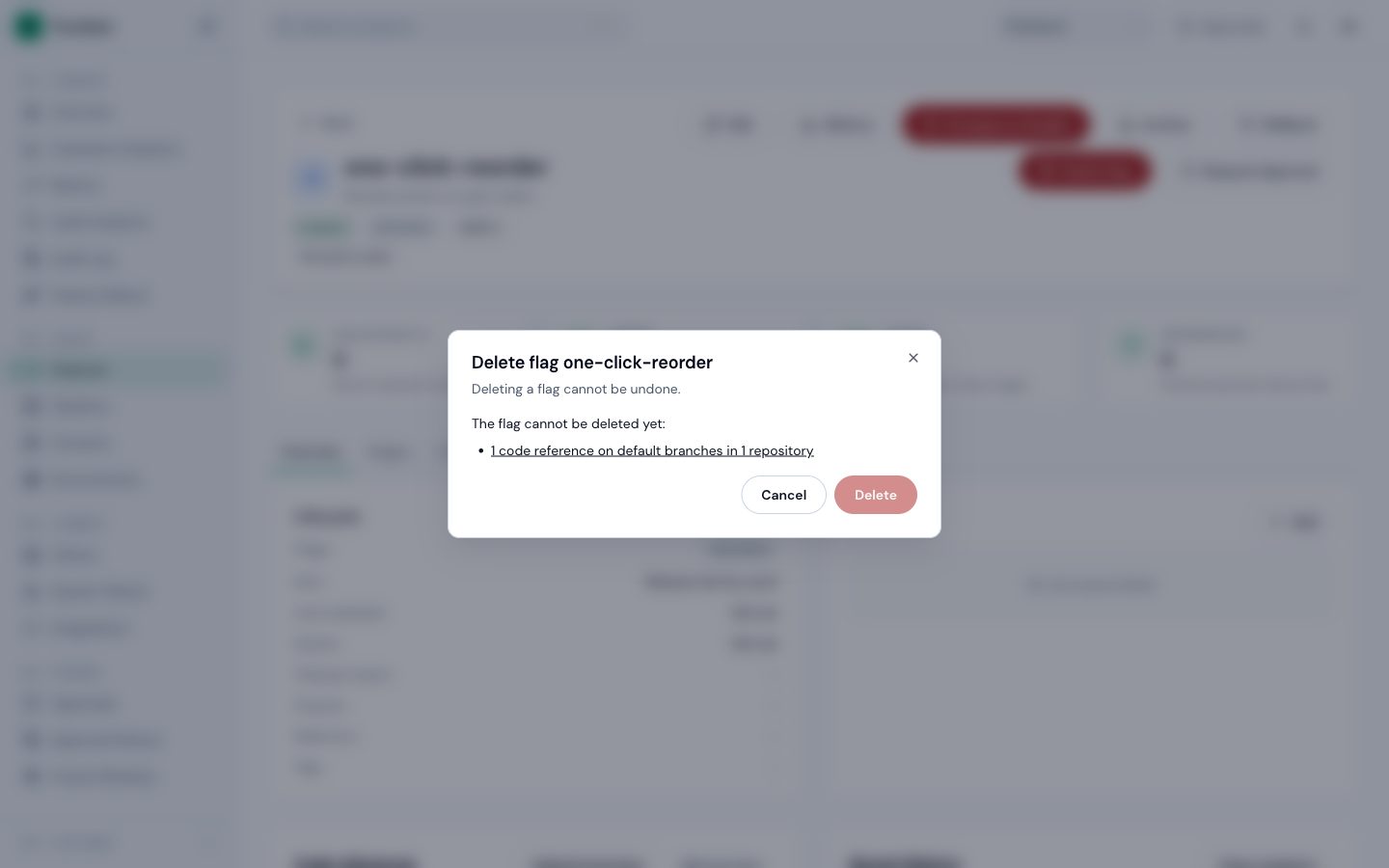
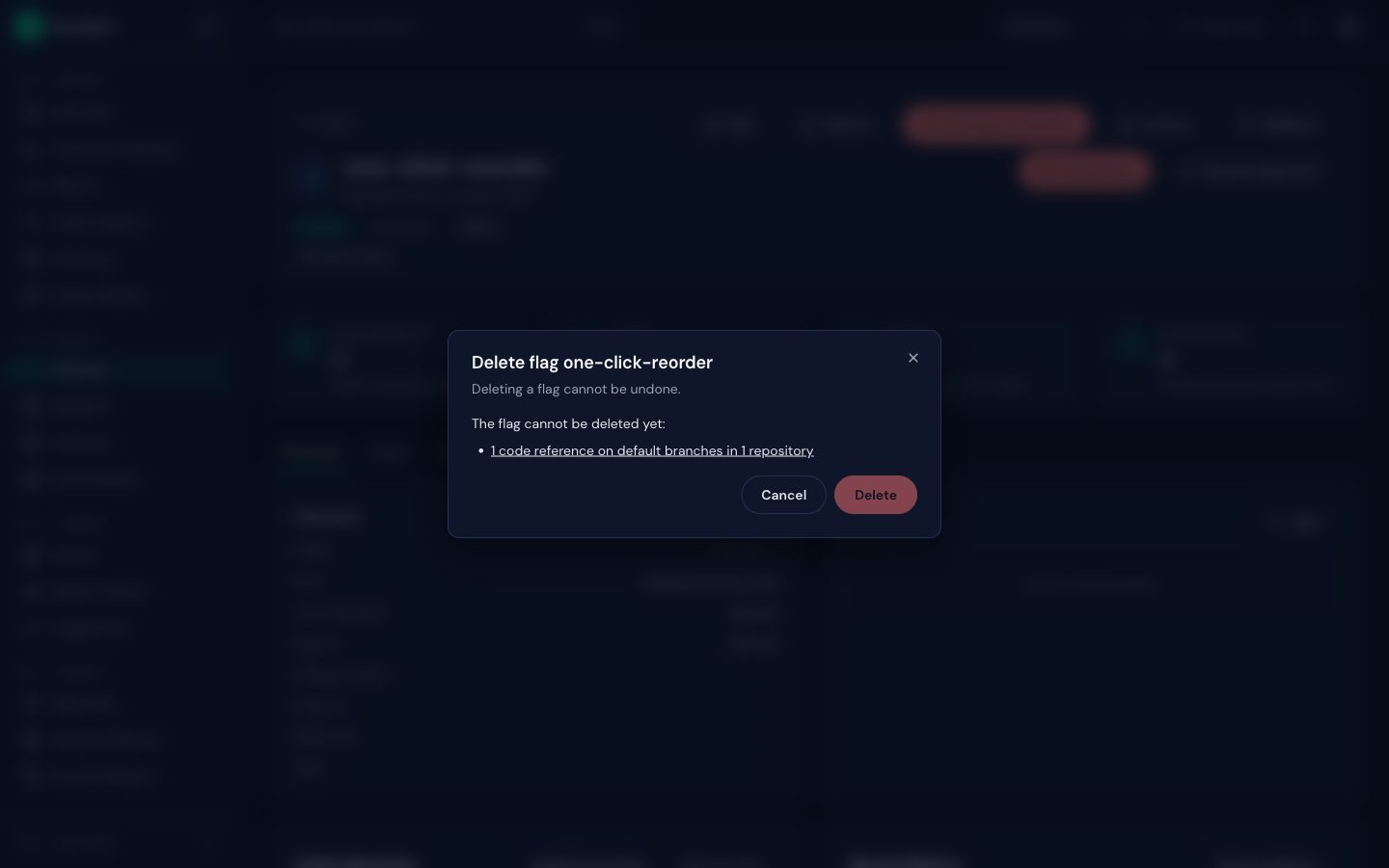
- Read the dialog. If anything blocks the delete, it lists each blocker, with a link to the code references when code still uses the key.
- When nothing blocks it, type the flag key to confirm and click Delete.
 (opens full size in a new tab)
 (opens full size in a new tab)
If no repository of the team is scanned, the dialog says that code was not checked. FluxGate then cannot know whether code still calls the key.
What the delete removes
The delete answers 204, and the edges drop the key. It removes the flag with its stages, variants, versions, daily evaluation counts, sticky assignments and closed approval requests. It writes a feature_deleted entry with the key to the audit log.
Code references to the key stay, as references to an unknown key. For 90 days, every scan also searches the deleted key, and the cleanup report lists any code that still uses it under Code references to deleted flags. After the delete, apps that still call the key get the default value written in their code.
A key leaves that list when a flag with the same key is created again in the team.
Example: beta-coupons
The Checkout team ran a coupon field for beta testers behind beta-coupons.
- The beta ended.
priyarolled back the flag in all three environments, andadminarchived it. - A developer removed
useBooleanFlagValue('beta-coupons', false)fromExpressCheckout.tsxand merged. The next scan ofmainfound no reference. - Delete flag showed no blockers.
admintypedbeta-couponsand deleted it. - A week later, an old branch with the coupon field was merged back by mistake. The next scan printed
1 references to 1 deleted flags: beta-coupons, and the cleanup report listed the key under Code references to deleted flags. The storefront kept working, because the code's default value isfalse.
Use the API
curl -s https://flags.junipermarket.example/api/v1/features/<flag ID>/delete-blockers \
-H "Authorization: Bearer <admin access token>"{
"blockers": [
{ "kind": "code_references", "count": 1, "repositories": 1 }
],
"codeScanned": true
}DELETE /api/v1/features/{id} deletes the flag, or answers 409 feature_delete_blocked with the same list in details.blockers, in the order of the table above. Other blocker kinds carry their own details: active_stages names the environments, recent_evaluations has count and days, dependents lists keys, and pending_approvals has count. codeScanned is false when the team has no scanned repository.
Next
Turn the cleanup report into tickets: Open removal issues.