

Enterprise · Code references
Code references on the feature page
Every flag shows where it is used, per repository and branch, with links to the lines; the settings page keeps the repository list right.
Video coming soon
Code references on the feature page
Before you start
- At least one scan was uploaded for your team (Overview).
- Any member of the team can read code references. Changing repository settings needs a system admin or a Team Admin, and the Business or Enterprise edition.
In the story, the Checkout team scans two repositories: github.com/juniper-market/storefront (a React app) and github.com/juniper-market/checkout-service (a Spring Boot service).
The Code references card
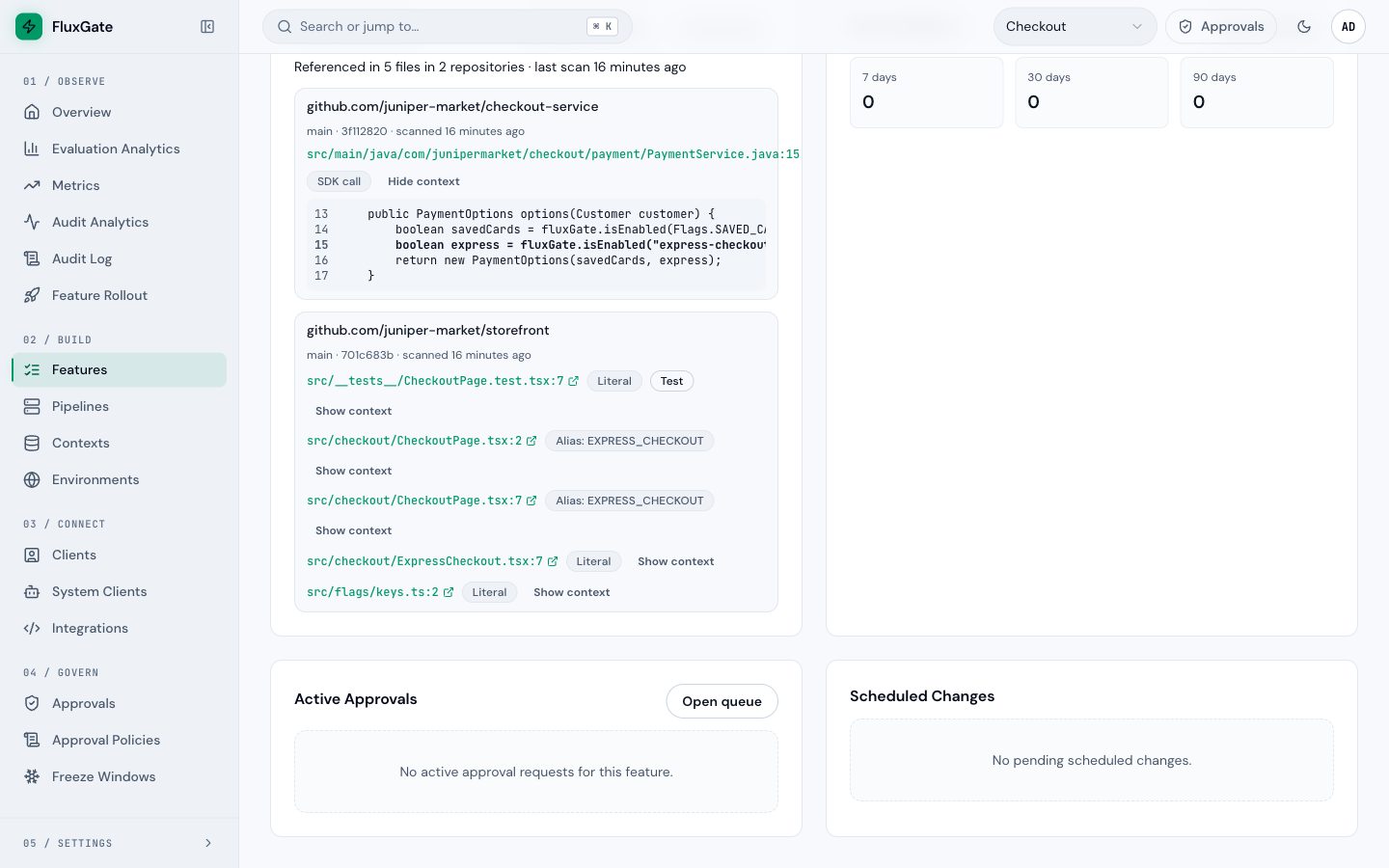
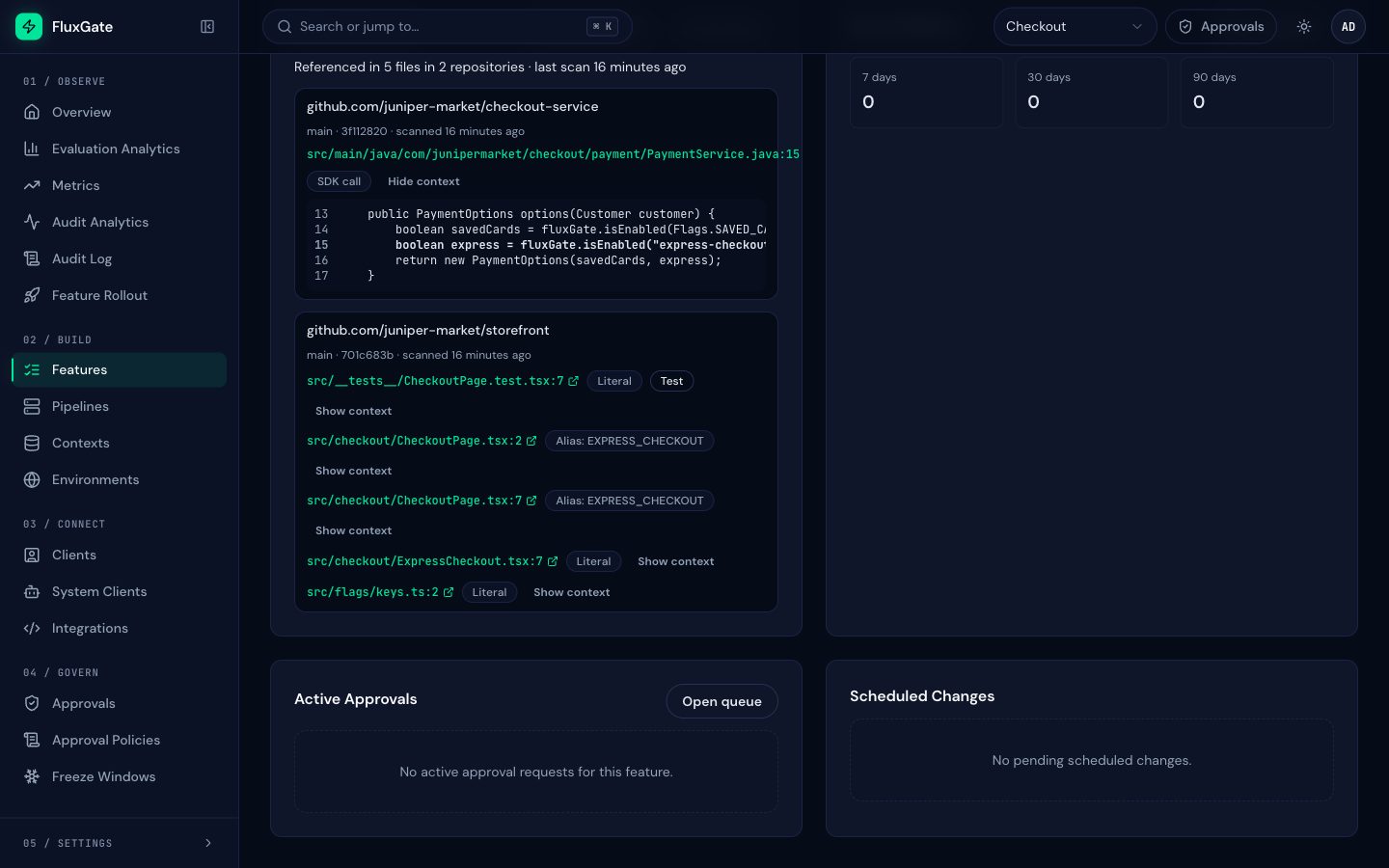
Open Features, then a flag, for example express-checkout. The Overview tab has a Code references card next to Recent Metrics.
 (opens full size in a new tab)
 (opens full size in a new tab)
From top to bottom, the card shows:
| Part | Meaning |
|---|---|
| Default branches / All branches | Which scans to show. Default branches is the default: the scan of each repository's default branch. All branches adds every other scanned branch, such as feature/express-v2 |
| Summary line | "Referenced in 5 files in 2 repositories", and the age of the newest scan |
| Repository block | The repository name, then the branch, the short commit and when it was scanned |
| Path and line | A link to the line, built from the repository's link template |
| Kind badge | SDK call, Literal or Alias: <constant>. See What the scanner finds |
| Test badge | The path looks like a test: /test/, /tests/, __tests__, src/test/, *_test.go, *.spec.* or *.test.* |
| Show context | The matched line plus the stored lines above and below it, after redaction. The matched line is in bold |
Some states of the card:
- No scans uploaded yet: no scan of any repository has found this flag, or no repository is scanned.
- A repository marked Not scanned recently: its default branch was not scanned within
coverage_days(7 by default). The list may be out of date. - At most 200 references per key and branch are stored. When a scan finds more, the rest are only counted (
truncatedCountin the upload).
Read the example
The express-checkout card shows five kinds of use:
- Line 15 of
PaymentService.javais an SDK call:fluxGate.isEnabled("express-checkout", customer.id()). - Lines 2 and 7 of
CheckoutPage.tsxare aliases: the file imports and uses the constantEXPRESS_CHECKOUT, whichsrc/flags/keys.tsassigns the key. - Line 2 of
src/flags/keys.tsis a literal: the definition of that constant. - Line 7 of
CheckoutPage.test.tsxis a literal in a test. - Line 7 of
ExpressCheckout.tsxis a literal: a CSS class name that happens to equal the key. Such false matches are why the card shows the kind and the context, and why you read before you delete.
When you remove a flag from the code, every line of the card must go, tests included. The next scan of the default branch then shows the card empty, and the cleanup report recommends Archive.
Filter the feature list by code
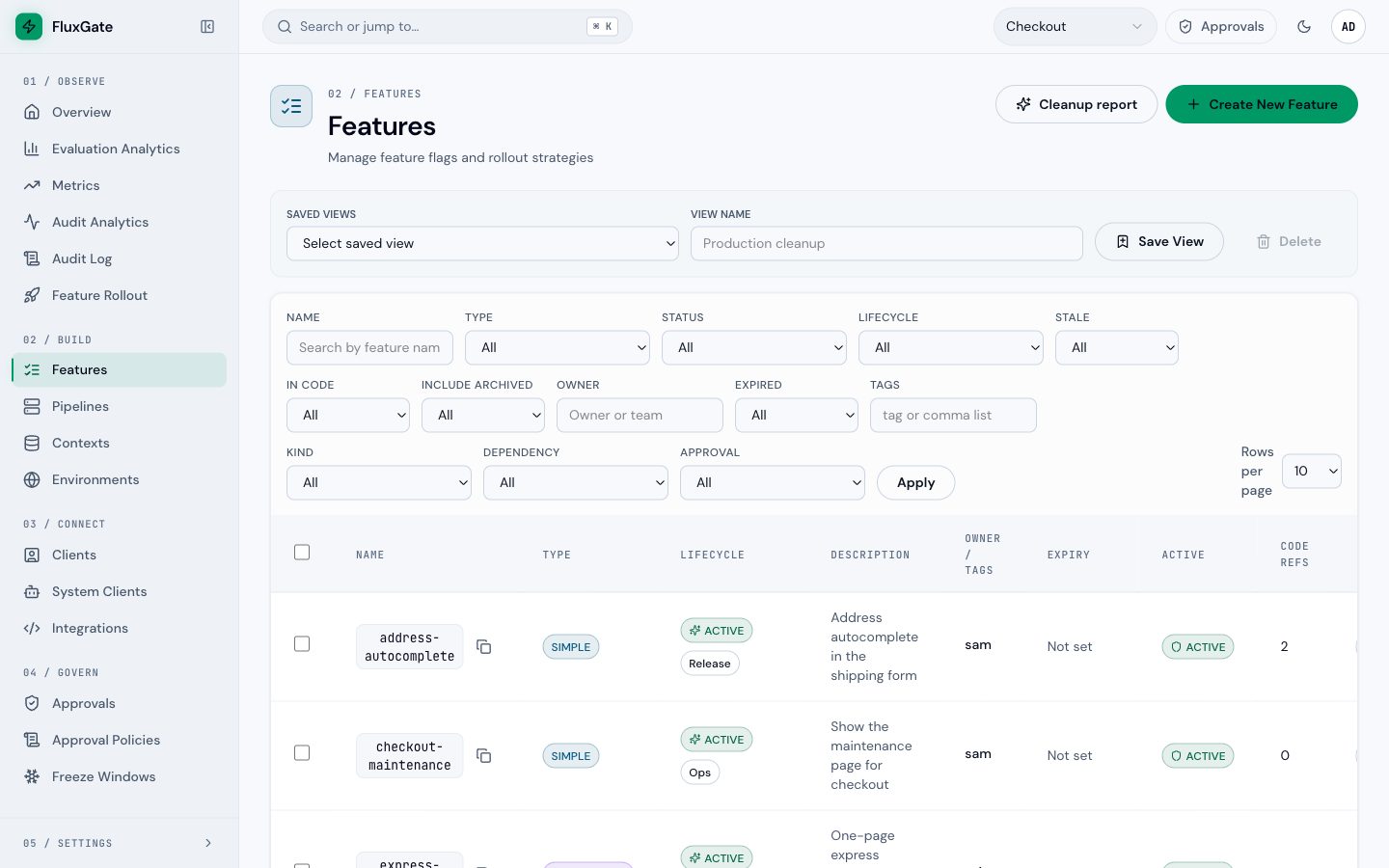
On Features, once the team has a scanned repository:
- the column Code refs shows the number of references on default branches;
- the filter In code shows only flags that are referenced (Yes) or not referenced (No).
 (opens full size in a new tab)
 (opens full size in a new tab)
The REST API offers the same filter: GET /api/v1/teams/{team_id}/features?codeRefs=true or false. Each item carries codeRefCount, which is null while the team has no scanned repository.
Manage repositories
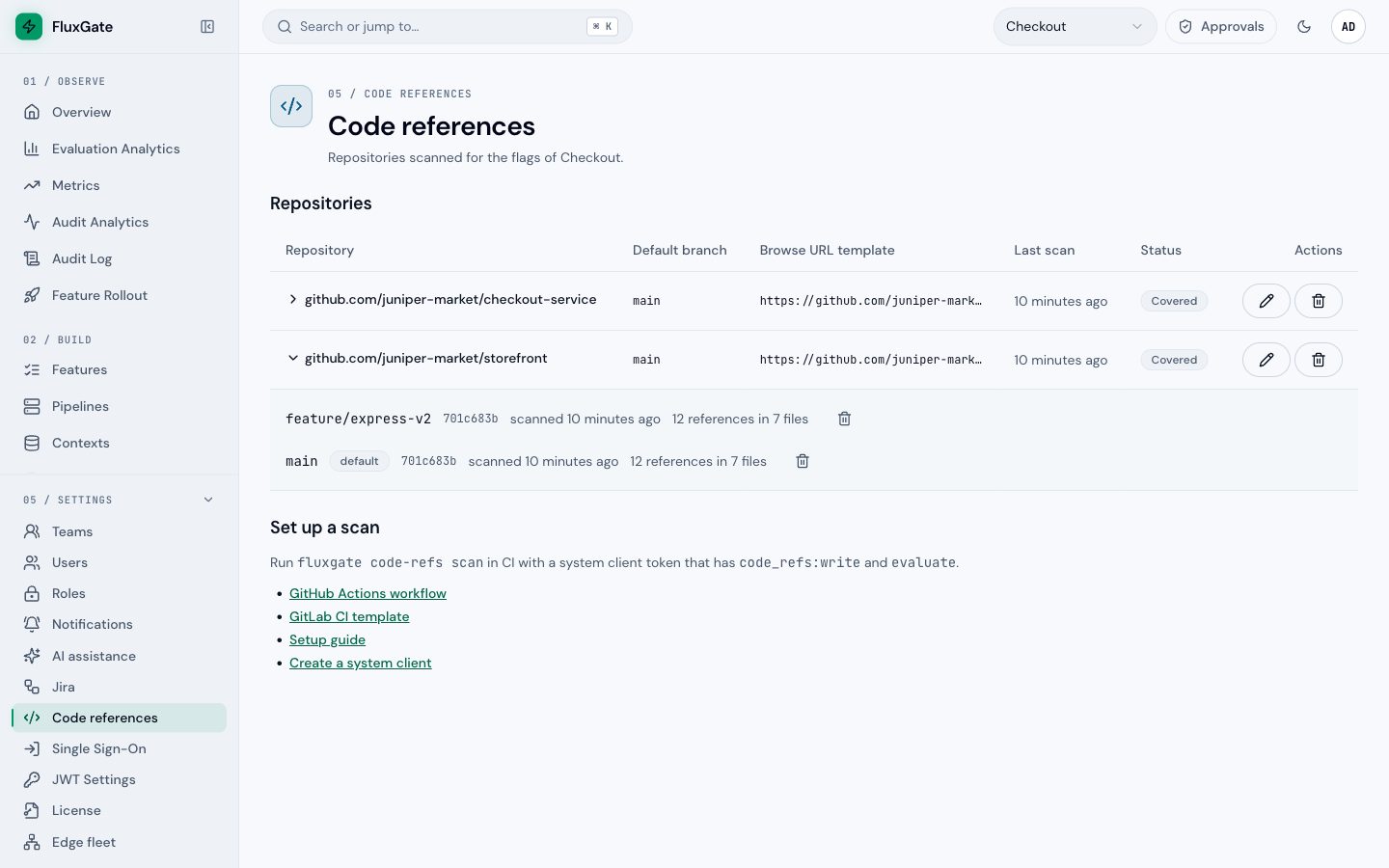
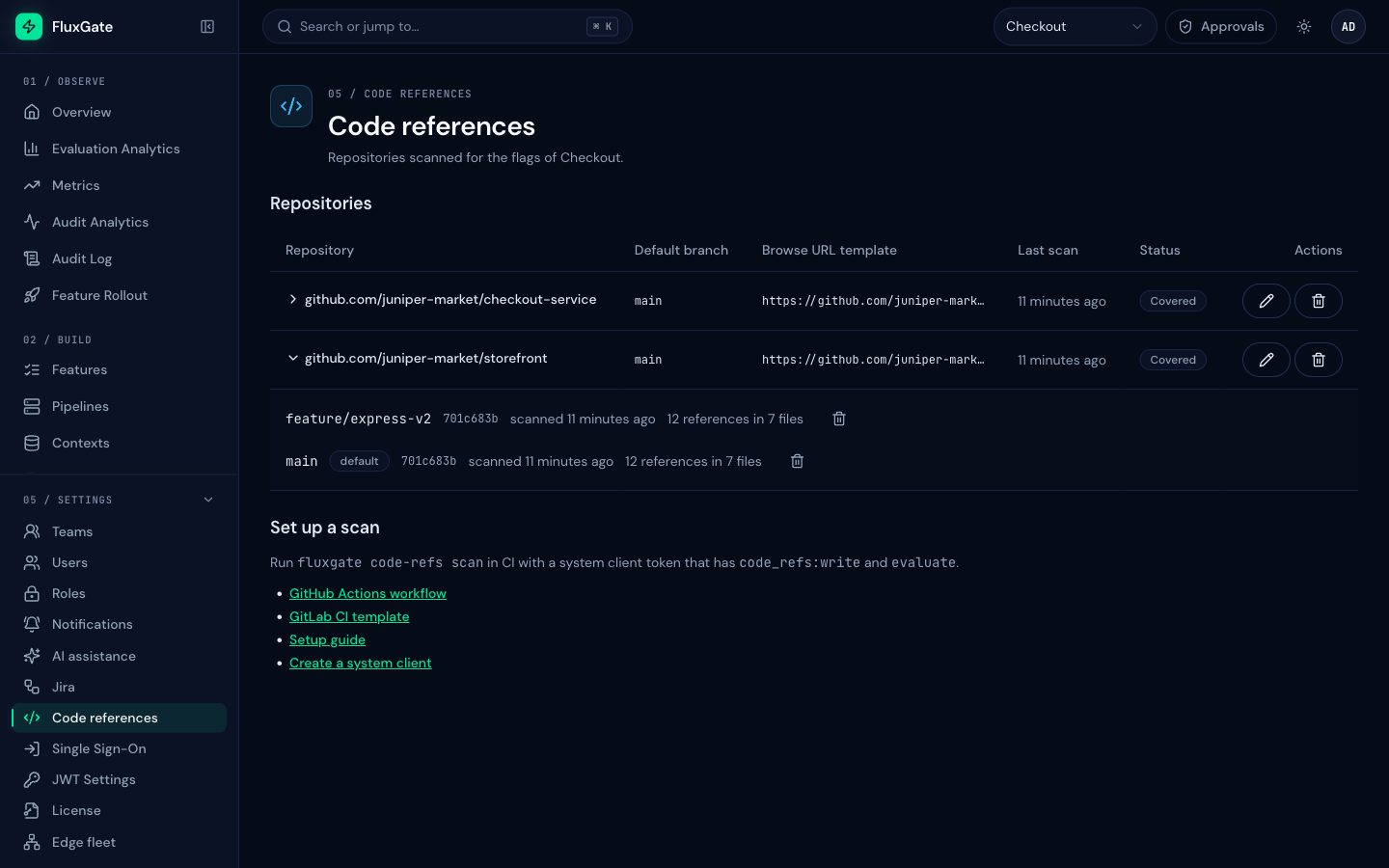
Open Settings, then Code references. The page lists every repository scanned for the selected team.
 (opens full size in a new tab)
 (opens full size in a new tab)
| Column | Meaning |
|---|---|
| Repository | The normalized remote name. Expand it to list its branches |
| Default branch | The branch whose scan counts for the card, the feature list and the cleanup report |
| Browse URL template | How paths become links |
| Last scan | Age of the newest scan of the default branch |
| Status | Covered, or Not scanned recently after coverage_days |
| Actions | Edit settings, delete the repository |
Correct a default branch or link template
Each upload sends the repository's default branch and link template, and FluxGate stores them. If CI sends a wrong value, for example a repository whose default branch is trunk but whose CI job does not know it:
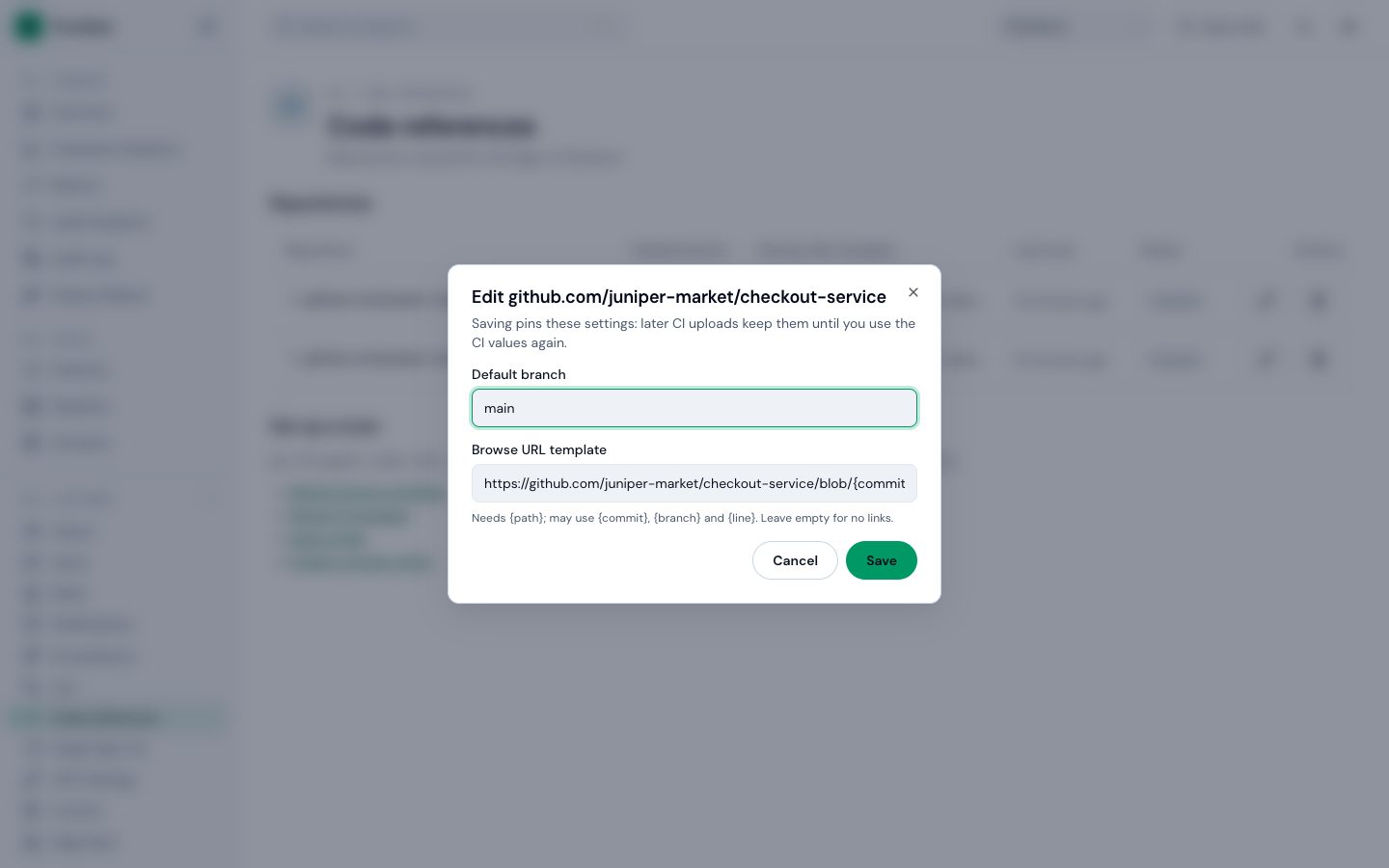
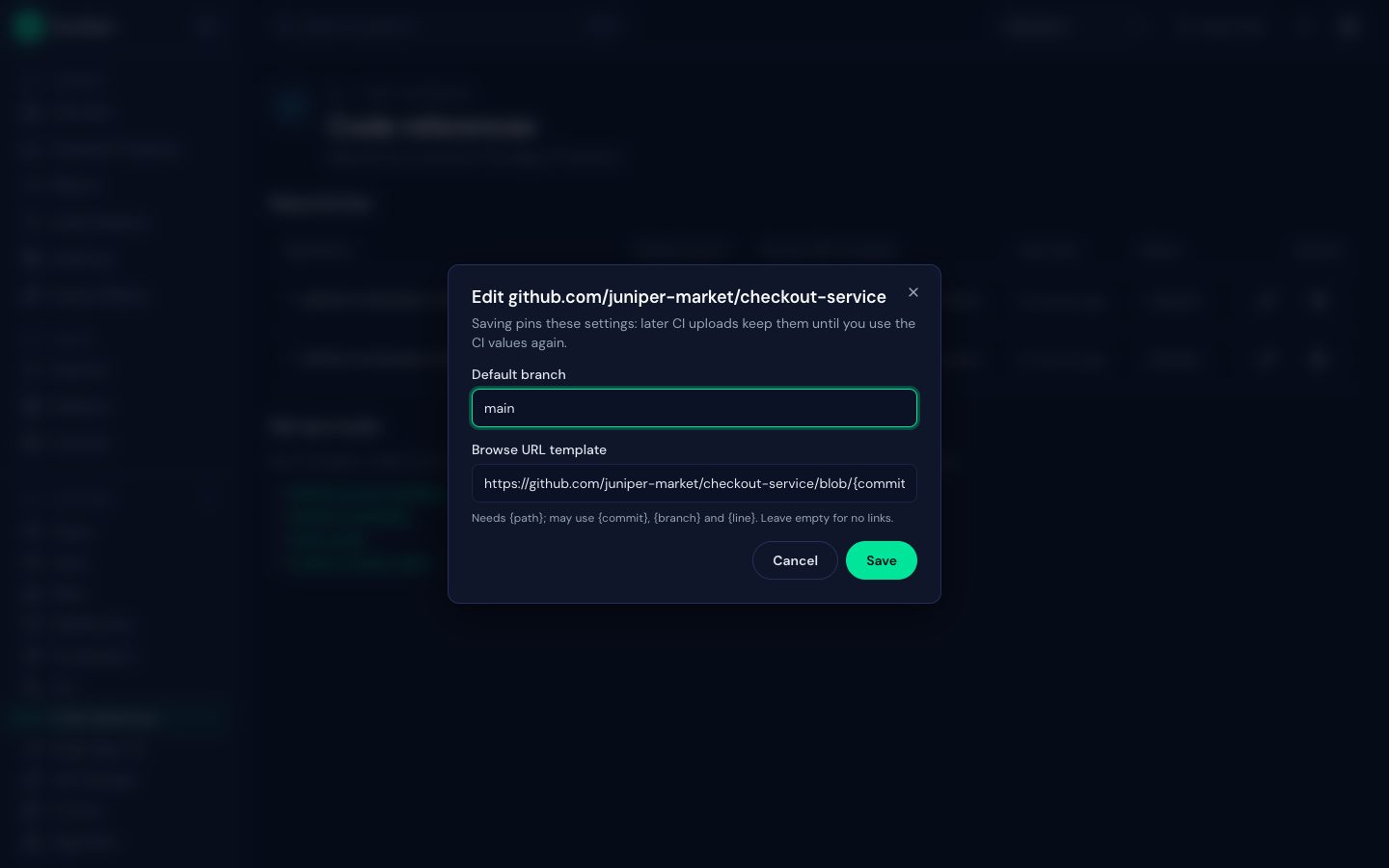
- Click the pencil icon of the repository.
- Change Default branch or Browse URL template. The template needs
{path}and may use{commit},{branch}and{line}. Leave it empty for no links. - Click Save.
 (opens full size in a new tab)
 (opens full size in a new tab)
An edit pins the settings, so the next CI upload does not overwrite them. To hand both back to CI, send PATCH /api/v1/teams/{team_id}/code-refs/repositories/{repo_id} with {"pinned": false}; the next upload then sets them again.
When you change the default branch to a branch that has no scan yet, the repository counts as not covered until that branch is scanned.
Delete a repository or a branch scan
- The trash icon on a repository deletes the repository and all its scans. Only system admins and Team Admins can do this, never a system client.
- The trash icon on a branch deletes that branch's scan. A token with
Code references writecan also do this; the GitHub template does it when a branch is deleted. - A daily job deletes scans of non-default branches that got no upload for
branch_retention_days(30 by default). It never deletes the default branch.
Deleting works in every edition, so you can remove stored code at any time. Deletes and setting changes are written to the audit log as code_ref_repository_deleted, code_ref_branch_deleted and code_ref_repository_updated. Uploads are not; each branch records who uploaded its current scan.
The API behind the card
| Request | Returns |
|---|---|
GET /api/v1/features/{id}/code-refs?branches=default | Summary and references of one flag on default branches. branches=all adds every branch |
GET /api/v1/teams/{team_id}/code-refs/repositories | Repositories, branches, last scan, covered, pinned |
PATCH /api/v1/teams/{team_id}/code-refs/repositories/{repo_id} | Change defaultBranch, browseUrlTemplate or pinned |
DELETE /api/v1/teams/{team_id}/code-refs/repositories/{repo_id} | Delete a repository and its scans |
DELETE /api/v1/teams/{team_id}/code-refs/repositories/{repo_id}/branches/{branch} | Delete one branch scan, branch name percent-encoded |
Reads need team membership. A system client token needs Admin read or Code references write to read stored code lines; Evaluate alone is not enough, so an SDK token cannot read your code.
Next
Wire the scan into your CI: GitHub Actions or GitLab CI.