

Chapter 3 · Connect your app
Automation and CI
A CI job can ask FluxGate whether a flag is on with its own scoped token and one REST call, and fail the build when the flag is off.
Before you start
- The clients from the previous page exist and the demo stack is running.
curlandjqare installed.- Sign in as
adminSystem admin and select the team Checkout. The System Clients page needs an admin or a team admin.priyagets a403. holiday-bannerexists and is not deployed to Development. This page uses it because it is a plain on or off flag, so it makes the simplest gate.
System clients and scoped tokens
A deploy pipeline has no one to click a button. Before it ships, it may need to know whether a flag is on. That takes an identity of its own and an endpoint to call.
A system client is that identity. It belongs to a team, it has no password, and it signs requests with a JWT token. Each token carries scopes that limit what it may do:
| Scope | Allows |
|---|---|
| Evaluate | Read flag values through REST evaluation and SDK setup snippets. |
| Metrics write | Send evaluation and experiment metrics from automation or SDKs. |
| Admin read | Read teams, environments, feature metadata, and integration status. |
| Flag write | Create rollout changes, approvals, and feature automation updates. |
Give a token only the scopes its job needs. A gate only asks whether a flag is on, so it needs Evaluate. A leaked token with that scope can ask about flags, but it cannot change them.
Create the system client
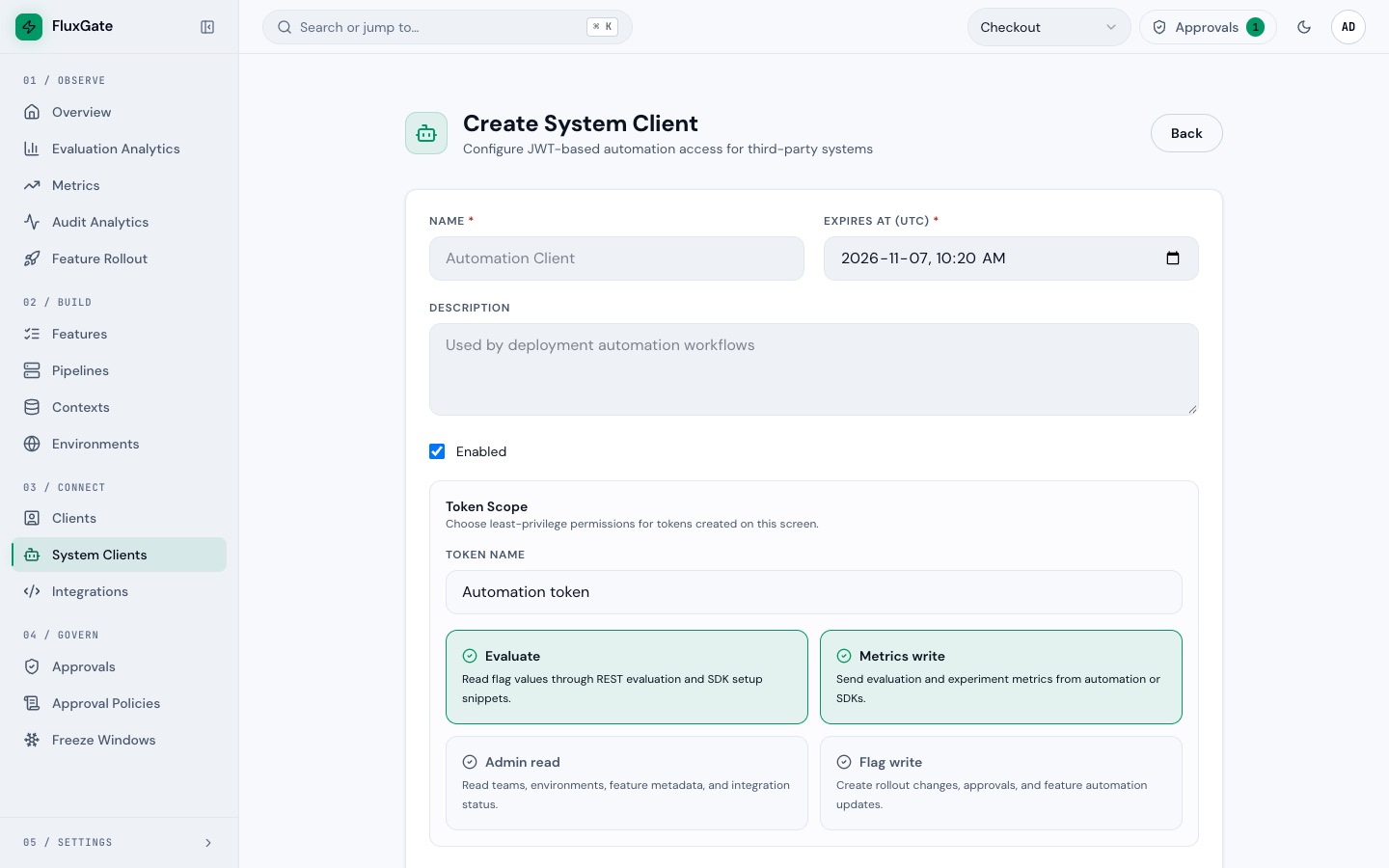
- Click System Clients under Connect to open
/system-clients. - Click Create System Client. The page opens at
/system-clients/create. - In Name, type
ci-bot. - Leave Expires At (UTC) on its default. The default is 30 days from now.
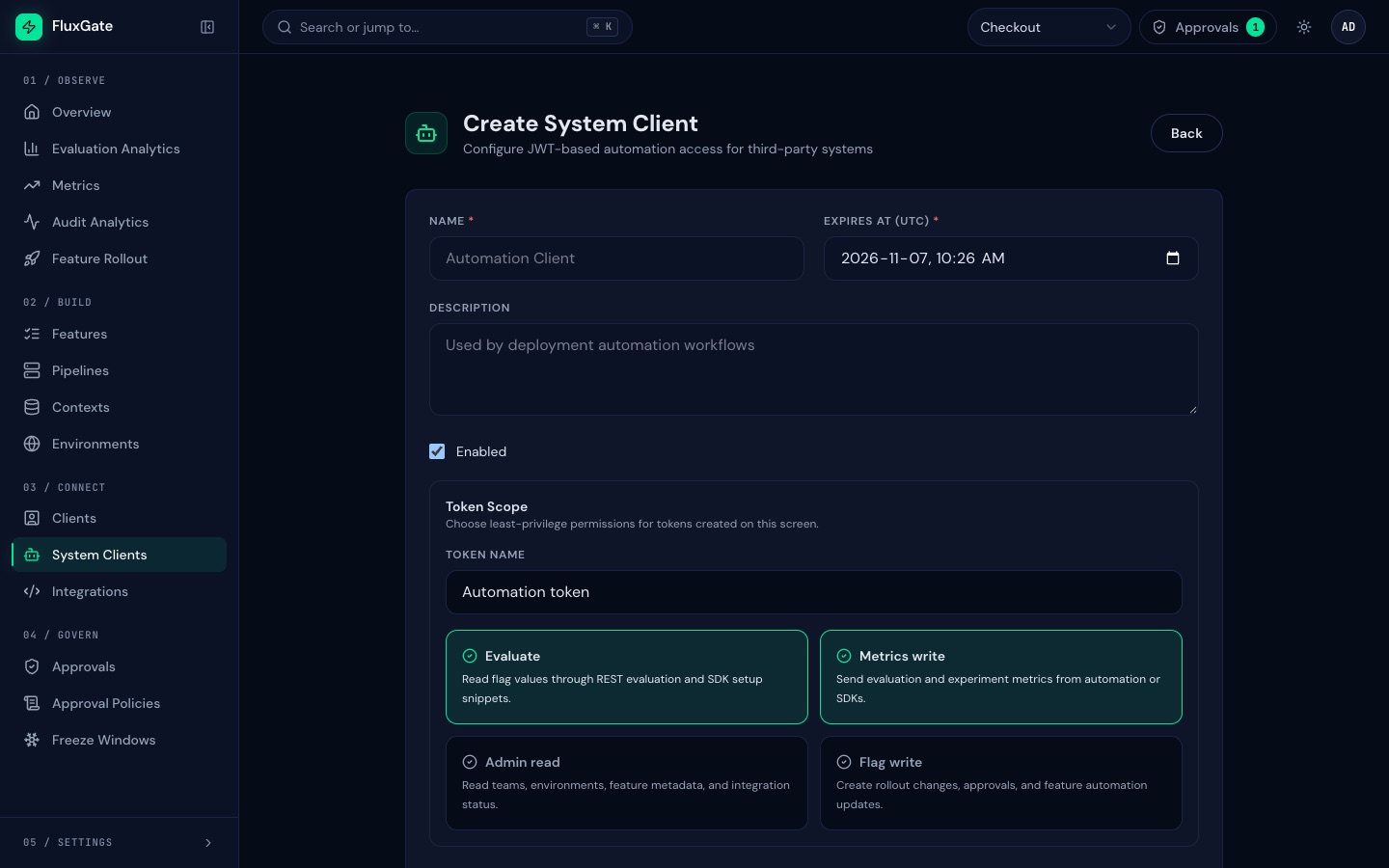
- Under Token Scope, keep Evaluate and Metrics write selected. Leave Admin read and Flag write off.
- Click Create System Client. The page lands on
/system-clients/<id>/edit. - Scroll down to the Automation JWT Token box. The box says the token "is shown only when created or regenerated". Click the copy icon and save the token in your CI secret store. Click the eye icon to mask it on screen.
 (opens full size in a new tab)
 (opens full size in a new tab)
The token expires on the date you set. Create a new token or regenerate it before then. The Token Metadata card lists the token and its scopes.
Call the evaluation endpoint
The backend serves its own API docs as Swagger at http://localhost:8080/docs/. Keep the trailing slash: /docs without it returns 404. Under the Evaluation tag, POST /api/v1/evaluate takes these fields:
| Field | Required | Meaning |
|---|---|---|
featureKey | yes | The flag key, such as holiday-banner. |
environmentId | yes | The ID of the environment to evaluate in. |
targetingKey | yes | A stable key for the caller. A CI job can use a fixed value such as ci. |
context | no | An object of attributes for targeting rules. |
The token already names the team, so you send no team ID. The response carries flagKey, value, variant, reason and errorCode. An unknown flag key returns 404. An empty required field returns 400.
To get the environment ID, open /developer/setup, the SDK Setup Wizard. System Client reads ci-bot and Environment reads Development. Replace the text in Feature Key with holiday-banner. The REST Evaluate block under Ready Snippets then shows the request with the real environmentId. Select that ID and copy it. The Copy button copies the whole snippet, not the ID.
The gate script
gate.sh posts one request with the token as a bearer header and reads the value field with jq. It exits 0 when the flag is on and 10 when it is off.
#!/usr/bin/env bash
# CI gate: exit 0 when holiday-banner is on, 10 when it is off.
set -euo pipefail

value=$(curl -sf -X POST "$FLUXGATE_URL/evaluate" \
  -H "Authorization: Bearer $FLUXGATE_TOKEN" \
  -H 'Content-Type: application/json' \
  -d "{\"featureKey\":\"holiday-banner\",\"environmentId\":\"$FLUXGATE_ENVIRONMENT_ID\",\"targetingKey\":\"ci\"}" \
  | jq -r .value)

if [ "$value" = "true" ]; then
  echo "banner on"
else
  echo "banner off"
  exit 10
fi
Keep the URL, the token and the environment ID in environment variables:
export FLUXGATE_URL=http://localhost:8080/api/v1
export FLUXGATE_TOKEN=<ci-bot token>
export FLUXGATE_ENVIRONMENT_ID=<development environment id>
Exit codes
| Exit code | Meaning |
|---|---|
0 | The flag is on. The job continues. |
10 | The flag is off. The job fails. |
22 | The request failed. curl -f turns any HTTP 4xx or 5xx into exit 22. |
| Any other non-zero code | curl could not reach FluxGate, for example 6 (DNS lookup failed), 7 (connection refused) or 28 (timeout). |
The -f flag and set -o pipefail stop the script with the curl error. A bad token, a missing scope or a typo in the flag key never looks like an off flag.
Run it with the flag off
Nothing has deployed holiday-banner yet, so its Development stage is off. The evaluation answers false and the script exits with 10. That is a failed gate, with nobody watching.
bash gate.sh; echo $?banner off
10Run it with the flag on
Leave holiday-banner off for now. Safety nets deploys holiday-banner to Development; the same gate then prints banner on and exits 0:
banner on
0
Example: a GitHub Actions job
Save gate.sh in your repository, for example under scripts/gate.sh. Store the token as the repository secret FLUXGATE_TOKEN. The URL and the environment ID are not secret, so keep them as repository variables.
# Example only: adapt names, paths and variables to your repository.
name: flag-gate

on:
  push:
    branches: [main]

jobs:
  gate:
    runs-on: ubuntu-latest
    steps:
      - uses: actions/checkout@v4

      - name: Check the holiday-banner flag
        env:
          FLUXGATE_URL: ${{ vars.FLUXGATE_URL }}
          FLUXGATE_ENVIRONMENT_ID: ${{ vars.FLUXGATE_ENVIRONMENT_ID }}
          FLUXGATE_TOKEN: ${{ secrets.FLUXGATE_TOKEN }}
        run: bash scripts/gate.sh
The job passes when the script exits 0 and fails on 10, 22 or any other non-zero code. To treat an off flag as "skip, do not fail", end the step with bash scripts/gate.sh || [ $? -eq 10 ]. The step then still fails on exit 22 and when curl cannot reach FluxGate.
The token cannot write
A token with only the evaluate and metrics scopes cannot create or change flags. Try to create a feature with it:
curl -si -X POST "$FLUXGATE_URL/features" \
  -H "Authorization: Bearer $FLUXGATE_TOKEN" \
  -H 'Content-Type: application/json' \
-d '{}'HTTP/1.1 403 Forbidden
content-type: application/json
{"code":"system_client_scope_violation","details":null,"error":"forbidden","message":"System client token scope does not allow this operation"}The scope check runs before any validation, so the empty body creates nothing.
Good to know
- The default scopes in the UI are Evaluate and Metrics write. If you create a system client through the REST API without a
scopeslist, the token gets all four scopes, including Flag write. Always sendscopesexplicitly. - A token regenerated through the REST API with an empty body came back with all four scopes, even though the token it replaced had only Evaluate and Metrics write. Check the scopes in Token Metadata after you regenerate a token.
holiday-banneris a boolean flag.express-checkoutreturns strings, so a gate on it would compare.valuetoexpressinstead.
Next
Ship express-checkout with approvals, the blast radius and a rejection in Approvals and policies.